
Optimize Shopify Checkout Process for Higher Conversions
Staring at numbers on your Shopify analytics dashboard, you may wonder why some shoppers breeze through checkout while others click away. Every step in your digital checkout reveals opportunities to increase conversions if you know what to look for. By prioritizing a clear assessment of system usability and customer convenience, you are set to uncover actionable insights that lead to measurable gains without touching a single line of code.
Table of Contents
- Step 1: Assess Current Checkout Performance
- Step 2: Select High-Impact A/B Test Variations
- Step 3: Deploy AI-Powered Custom Tests
- Step 4: Analyze Conversion Rate Improvements
- Step 5: Refine Checkout Based on Data
Quick Summary
| Key Insight | Explanation |
|---|---|
| 1. Assess Checkout Performance Metrics | Analyze cart abandonment, conversion rates, and checkout times to identify friction points in your sales process. |
| 2. Prioritize High-Impact A/B Testing | Focus on testing elements like button placement and form design to improve user experience and increase conversions. |
| 3. Utilize AI for Advanced Testing | Implement AI-powered tools for smarter testing that adapts and learns from user behavior to optimize checkout flows. |
| 4. Continuously Analyze Conversion Rates | Regularly evaluate key performance indicators to understand the effects of changes and gather insights for future optimization. |
| 5. Make Data-Driven Refinements | Use analytics to address user frustrations and iteratively improve the checkout process based on identified areas of concern. |
Step 1: Assess current checkout performance
Understanding your Shopify store’s current checkout performance is crucial for identifying potential conversion barriers and improving overall sales. Your goal is to gather comprehensive data about how customers currently experience the final purchase stage of their shopping journey.
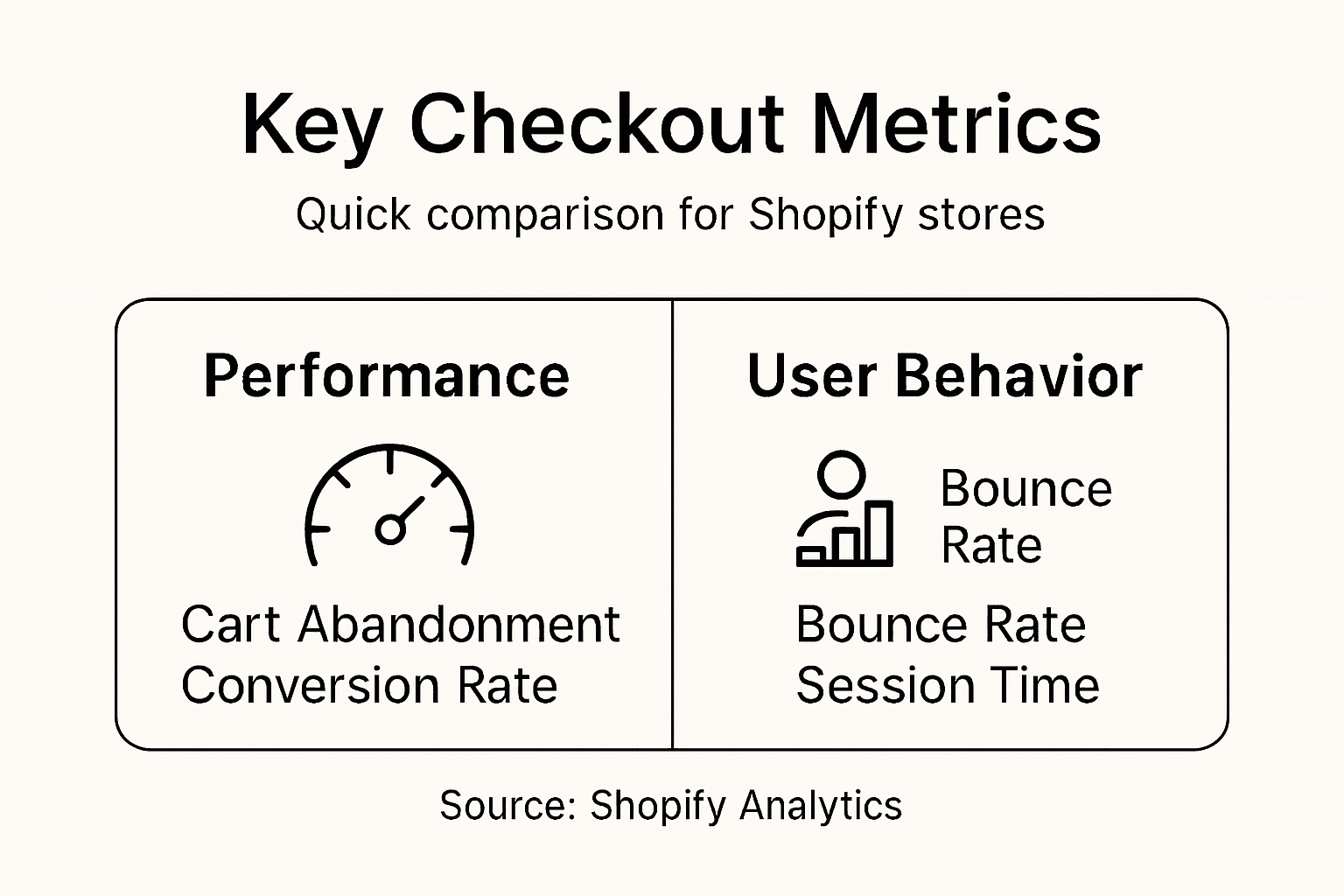
To assess your checkout performance effectively, start by analyzing key metrics within your Shopify analytics dashboard. Look specifically at metrics like cart abandonment rate, checkout conversion rate, and average time spent during checkout. These numbers provide critical insights into potential friction points. Research shows that checkout system usability directly impacts customer satisfaction, making this assessment a strategic priority for your online store.
Next, utilize tools like Google Analytics and Shopify’s built-in conversion tracking to dive deeper into user behavior. Examine where customers drop off during the checkout process, track page load times, and identify any technical issues that might interrupt the purchase flow. Pay special attention to mobile checkout performance, as an increasing number of shoppers complete purchases on smartphones. Consider implementing heatmap tools to visualize exactly how users interact with your checkout pages.
Here’s a quick reference of key checkout performance metrics and what they reveal:
| Metric | What It Measures | Business Insight |
|---|---|---|
| Cart abandonment rate | Percentage leaving before paying | Identifies friction in checkout flow |
| Checkout conversion rate | Percent completing purchase | Indicates effectiveness of checkout process |
| Average checkout time | Time to complete checkout | Reveals complexity or delays |
| Drop-off points | Steps where users exit | Pinpoints exact friction sources |
| Mobile conversion rate | Purchases on mobile devices | Reflects mobile optimization success |
Pro tip: Set up session recording tools to watch actual user interactions and identify subtle checkout obstacles that raw metrics might not reveal.
Step 2: Select high-impact A/B test variations
Selecting high-impact A/B test variations is a strategic process that can dramatically improve your Shopify store’s checkout conversion rates. Your objective is to identify and implement test variations that address critical user experience challenges and potential friction points in the purchase journey.
Start by analyzing your current checkout performance data and developing targeted hypotheses about potential improvements. A/B testing requires comparing different variants of a single variable to determine which version yields better results. Focus on key elements like button placement, form field design, page layout, and checkout flow. Look for variations that simplify the user experience and reduce potential points of abandonment. Consider testing elements such as button color, call-to-action text, number of form fields, payment option placement, and overall page design.

When selecting test variations, prioritize changes with the highest potential impact. Avoid testing multiple variables simultaneously, which can muddy your results. Instead, isolate specific elements and develop clear, measurable hypotheses about how each variation might improve conversion rates. Pay special attention to mobile checkout experiences, as an increasing number of customers complete purchases on smartphones. Segment your test data to understand how different customer groups respond to specific variations, ensuring you capture nuanced insights beyond overall average performance.
Pro tip: Maintain a structured test log documenting each variation, hypothesis, and result to build a comprehensive understanding of what drives conversions in your specific Shopify store.
Step 3: Deploy AI-powered custom tests
Deploying AI-powered custom tests represents a cutting-edge approach to optimizing your Shopify store’s checkout process. Your goal is to leverage artificial intelligence to create intelligent, adaptive test scenarios that go beyond traditional manual testing methods.
AI-powered test automation tools can generate and execute complex checkout scenarios with remarkable precision and efficiency. Begin by selecting an AI testing platform that integrates seamlessly with your Shopify store. These advanced tools use machine learning algorithms to simulate real-world user behaviors, automatically generating test cases that cover a wide range of potential user interactions. Focus on creating custom test variations that address specific checkout challenges, such as form complexity, payment gateway interactions, and mobile responsiveness.
Implement a systematic approach to AI-driven testing by first establishing baseline performance metrics and then gradually introducing intelligent test variations. The AI system will analyze each test iteration, learning from previous results to refine and improve future test scenarios. Pay special attention to how the AI identifies and adapts to unique user behavior patterns, particularly across different device types and customer segments. This approach allows for continuous optimization of your checkout process, ensuring that you capture nuanced insights that traditional testing methods might miss.
The following table compares traditional A/B testing with AI-powered custom testing for Shopify checkouts:
| Aspect | Traditional A/B Testing | AI-Powered Custom Testing |
|---|---|---|
| Test creation | Manual variant setup | Automated scenario generation |
| Adaptivity | Fixed variants | Learns and adapts each cycle |
| Scope | Usually tests one element | Tests complex user flows |
| Speed | Slower, sequential tests | Faster, parallelized testing |
| Insights | Dependent on human analysis | Provides predictive recommendations |
Pro tip: Configure your AI testing tool to prioritize test scenarios that directly impact conversion rates, focusing on the most critical user experience elements in your checkout flow.
Step 4: Analyze conversion rate improvements
Analyzing conversion rate improvements is a critical step in understanding the effectiveness of your Shopify checkout optimization efforts. Your goal is to systematically evaluate the impact of implemented changes and extract meaningful insights that drive future improvements.
Conversion rate optimization relies on understanding user experience metrics during the checkout process. Begin by comparing key performance indicators before and after implementing your A/B tests. Focus on metrics such as cart abandonment rates, checkout completion times, and overall conversion percentages. Use Shopify analytics and specialized conversion tracking tools to gather comprehensive data. Pay close attention to specific user segments, device types, and geographic variations that might reveal nuanced performance differences.
Dive deeper into the data by examining micro conversions and user behavior patterns. Look beyond simple percentage increases to understand the underlying reasons for conversion improvements. Analyze heatmaps, user session recordings, and interaction metrics to gain insights into how customers navigate your checkout process. Consider using advanced analytical models that can provide predictive insights and help you understand the potential long-term impact of your optimization strategies. Remember that conversion rate analysis is an ongoing process that requires continuous monitoring and iterative improvements.
Pro tip: Create a standardized reporting template that tracks key conversion metrics over time, allowing you to quickly identify trends and measure the cumulative impact of your optimization efforts.
Step 5: Refine checkout based on data
Refined checkout optimization requires a strategic approach to transforming raw data into actionable improvements for your Shopify store. Your primary objective is to systematically address user experience challenges and remove friction points that impede smooth transactions.
Data-driven refinement focuses on user satisfaction and system efficiency throughout the checkout process. Start by prioritizing insights from your conversion rate analysis and user behavior metrics. Identify specific checkout elements that consistently create user frustration or lead to abandonment. This might include simplifying form fields, reducing steps, improving payment gateway responsiveness, or streamlining mobile checkout experiences. Create a prioritized list of potential improvements based on their potential impact on conversion rates and user experience.
Implement a structured approach to checkout refinement by making incremental changes and continuously measuring their effects. Use statistical validation to ensure that each modification genuinely improves performance. Consider user segment variations, testing how different changes impact various customer groups. Pay special attention to technical details like page load times, error messaging clarity, and overall interaction smoothness. Remember that checkout optimization is an ongoing process that requires persistent attention and iterative testing.
Pro tip: Develop a standardized evaluation framework that quantifies the impact of each checkout modification, allowing you to make data-driven decisions with confidence.
Unlock Higher Shopify Checkout Conversions with AI-Driven Testing
Optimizing your Shopify checkout process can feel overwhelming when faced with complicated A/B tests, unclear data, and technical barriers. The key pain points identified in the article include handling cart abandonment, testing impactful variations without guesswork, and refining checkout efficiently based on real user behavior. If your goal is to reduce friction, improve conversion rates, and streamline mobile checkout experiences while avoiding coding headaches, you need a solution tailored to these challenges.
Automagic.li offers exactly that with its AI-powered platform designed to transform how Shopify stores improve checkout performance. With over 40 pre-tested, high-impact A/B tests ready for instant deployment, you can eliminate guesswork, speed up test cycles, and make data-driven decisions easily. Our AI customizes each test to your unique store design, making technical expertise unnecessary. This approach perfectly complements the article’s emphasis on using AI-driven custom tests and data analysis to drive real revenue growth.
Experience the power of smart, hands-free checkout optimization today.
Ready to take control of your Shopify checkout conversion rates with no coding required?
Explore how Automagic.li can deliver immediate improvements using AI-powered A/B testing. See the difference with our pre-tested variations that simplify testing and maximize results. Start your journey to higher conversions now by visiting Automagic.li.
Frequently Asked Questions
How can I assess my Shopify store’s current checkout performance?
Assess your Shopify store’s checkout performance by analyzing key metrics like cart abandonment rate and checkout conversion rate. Use Shopify’s analytics dashboard to track these metrics and identify any friction points during the checkout process.
What are the best ways to select A/B test variations for my checkout process?
Select A/B test variations by focusing on elements that may impact user experience, such as button placement and form design. Prioritize changes based on potential impact, and test one variable at a time to get clear results.
How do I deploy AI-powered custom tests for optimizing my Shopify checkout?
To deploy AI-powered custom tests, choose an AI testing platform that integrates with your Shopify store. Set baseline performance metrics and allow the AI to generate test scenarios based on real-world user behavior.
What metrics should I analyze to measure conversion rate improvements?
Analyze conversion rate improvements by comparing key performance indicators like cart abandonment rates and overall conversion percentages before and after changes. This will help you understand the effectiveness of your checkout optimizations.
How can I refine my checkout process based on data?
Refine your checkout process by using data to identify specific elements that cause user frustration. Implement incremental changes based on your analysis, and continuously measure their effects to ensure you improve user experience and conversion rates.