
How to Improve Mobile Conversions for Shopify Stores Easily
Most Shopify stores see over 60 percent of their sales attempts coming from mobile visitors, but many American merchants still struggle to convert those shoppers smoothly. With mobile conversion rates trailing desktop in nearly every major region, finding practical solutions becomes urgent for e-commerce entrepreneurs everywhere. This guide spotlights a friction-free approach to A/B testing that helps any store owner, regardless of coding skills, maximize sales from real users on smartphones and tablets.
Table of Contents
- Step 1: Assess Current Mobile Conversion Performance
- Step 2: Select High-Impact A/B Tests from Test Library
- Step 3: Customize Tests for Store Design with AI Tools
- Step 4: Deploy Variations and Monitor Real-Time Data
- Step 5: Verify Results and Implement Winning Solutions
Quick Summary
| Key Point | Explanation |
|---|---|
| 1. Analyze Mobile Conversion Metrics | Understand your mobile conversion performance by tracking metrics such as visitor count, bounce rate, and conversion rate. |
| 2. Select Strategic A/B Tests | Choose high-impact A/B tests from libraries that address mobile-specific barriers to enhance user experience and conversion rates. |
| 3. Customize Tests with AI Tools | Use AI tools to create tailored A/B test variations that maintain brand integrity while addressing mobile design challenges. |
| 4. Monitor Real-Time Performance | Implement automated tracking to capture data on key performance indicators and ensure tests run for statistical significance. |
| 5. Document and Implement Winning Variations | Analyze test results to identify successful adaptations, and prepare to fully implement the findings with a clear report. |
Step 1: Assess Current Mobile Conversion Performance
Achieving higher mobile conversion rates starts with understanding your current performance metrics. This process involves analyzing key indicators that reveal how effectively your Shopify store converts mobile visitors into paying customers.
To begin, dive into your Shopify analytics dashboard and examine critical mobile-specific metrics. Look closely at mobile traffic percentage, bounce rate, average session duration, and most importantly conversion rate. These numbers will provide a baseline understanding of your store’s mobile performance. Some crucial data points to track include mobile visitor count, mobile add to cart rate, and mobile checkout completion rate. Understanding these performance tracking methodologies helps identify potential bottlenecks in your mobile user experience.
Pay special attention to how different mobile devices and screen sizes interact with your store. Screen resolution, load times, and responsive design can dramatically impact conversion potential. Use tools like Google Analytics and Shopify’s built-in mobile reports to segment your data and uncover insights specific to mobile users.
Pro tip: Create a spreadsheet tracking your mobile conversion metrics month-over-month to visualize trends and measure improvement systematically.
Here’s a summary of key mobile conversion metrics to track for optimizing your Shopify store:
| Metric | What It Measures | Business Impact |
|---|---|---|
| Mobile Visitor Count | Total mobile traffic | Reveals growth or decline in audience |
| Mobile Add to Cart Rate | Percentage who add items | Indicates shopping intent and engagement |
| Mobile Checkout Completion Rate | Successful purchases | Directly affects revenue and ROI |
| Bounce Rate | Visitors who leave quickly | Signals poor user experience or relevance |
| Average Session Duration | Time spent per visit | Reflects engagement level and navigation ease |
Step 2: Select High-Impact A/B Tests from Test Library
Optimizing your Shopify store’s mobile conversion rates requires strategic testing of key website elements. The goal in this step is to identify and implement the most promising A/B tests that can significantly improve your mobile user experience and sales performance.

Start by exploring a comprehensive A/B testing library that offers pre-configured tests specifically designed for Shopify stores. These libraries typically categorize tests by potential impact and difficulty, allowing you to quickly identify high-value optimization opportunities. Look for tests that address common mobile conversion barriers such as product page layout, checkout process, call to action button design, image sizing, and mobile navigation simplification.
When selecting tests, prioritize variations that have proven track records of success across similar ecommerce stores. Pay attention to test impact ratings and implementation complexity. Some tests might offer quick wins with minimal development effort, while others could require more significant changes. Focus on tests that directly address mobile-specific challenges like touch target sizes, simplified forms, and streamlined checkout processes.
Pro tip: Sort A/B tests by their potential conversion lift and start with those offering the highest impact to lowest effort ratio for maximum efficiency.
Compare typical A/B test focus areas and how each addresses common mobile conversion challenges:
| Test Area | Main Challenge Addressed | Expected Mobile Benefit |
|---|---|---|
| Product Page Layout | Clutter and confusion | Streamlined browsing and selection |
| Checkout Process | Complexity and friction | Faster, smoother conversions |
| CTA Button Design | Small or unclear buttons | Improved tap rate and visibility |
| Image Sizing | Slow loading or odd views | Sharper visuals and faster load |
| Navigation Simplification | Difficult menus | Easier access to key pages |
Step 3: Customize Tests for Store Design with AI Tools
Customizing A/B tests for your unique Shopify store design requires intelligent tools that can automatically adapt test variations to your specific mobile layout and branding. This step transforms generic testing approaches into precision targeted optimization strategies that truly reflect your store’s unique characteristics.
Leverage AI technologies that can analyze mobile app design interactions by automatically generating test variations aligned with your existing design language. These advanced tools use machine learning algorithms to understand your current color schemes, button styles, typography, and overall user interface, ensuring that proposed test variations feel cohesive and native to your store’s aesthetic. The AI examines multiple design elements such as product image placement, call to action button sizes, and navigation menu structures to recommend scientifically backed improvements.
When implementing AI-driven customization, focus on variations that maintain your brand’s visual integrity while introducing strategic modifications. Look for tools that provide granular control over design elements, allowing you to fine tune test variations without completely disrupting your store’s visual identity. Pay special attention to mobile specific design challenges like touch target sizing, simplified checkout flows, and responsive image scaling that can dramatically impact user experience and conversion potential.
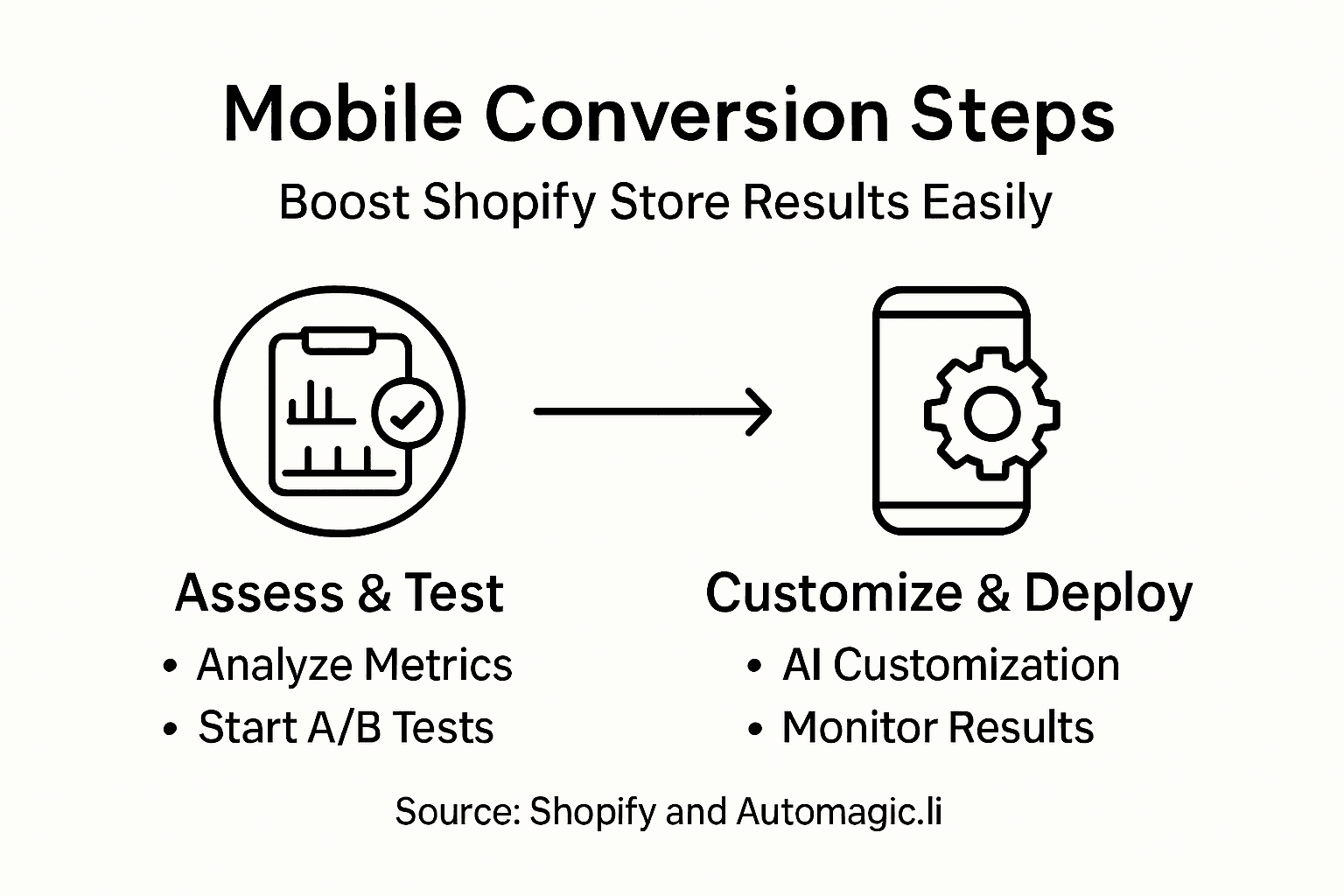
Pro tip: Select AI testing tools that provide preview capabilities, allowing you to visualize design variations before full implementation to ensure brand consistency and design quality.
Step 4: Deploy Variations and Monitor Real-Time Data
Successfully launching your A/B tests requires strategic deployment and continuous performance tracking. This critical phase transforms your carefully designed variations from theoretical concepts into actionable insights that can dramatically improve mobile conversion rates.
Implement performance testing automation to enable seamless tracking of your mobile store variations. Set up real-time monitoring dashboards that capture key performance indicators such as conversion rates, average session duration, bounce rates, and revenue per visitor. Ensure your tracking tools can segment data between different test variations, allowing you to quickly identify which design modifications are driving meaningful improvements in user engagement and sales performance.
As your tests run, maintain a disciplined approach to data analysis. Review your metrics frequently but avoid making hasty decisions based on preliminary results. Most A/B testing platforms recommend running tests for a minimum of one to two weeks to ensure statistical significance. Pay close attention to sample size, statistical confidence levels, and potential external factors that might influence your results. Look beyond simple conversion rate changes and examine deeper metrics like average order value, customer retention, and long-term engagement to get a comprehensive understanding of each variation’s true impact.
Pro tip: Configure automated alerts to notify you when a test variation reaches statistical significance or deviates substantially from expected performance metrics.
Step 5: Verify Results and Implement Winning Solutions
Congratulations on completing your A/B testing journey. This final phase transforms your experimental data into concrete strategies that can significantly boost your mobile store’s conversion performance and overall user experience.
Carefully analyze mobile conversion optimization by comparing your test variations against predefined success metrics. Verify that your winning variation demonstrates statistically significant improvements across multiple key performance indicators. Look beyond simple conversion rate increases and examine comprehensive metrics such as average order value, customer lifetime value, and reduction in cart abandonment rates. Statistical significance typically requires a confidence level of 95% or higher, with a meaningful sample size that represents your typical mobile user base.
Once you have identified the most successful variation, prepare for full implementation. This involves not just deploying the winning design, but also documenting the insights gained from your testing process. Create a detailed report that outlines the original hypothesis, testing methodology, key findings, and the specific improvements observed. Consider how these learnings can be applied to future optimization efforts and share insights with your team to foster a data driven approach to mobile store design.
Pro tip: Schedule a follow-up analysis three months after implementation to confirm the long-term impact of your winning variation and identify any potential performance degradation.
Boost Your Shopify Mobile Conversions with AI-Powered Testing
Struggling to increase mobile conversion rates on your Shopify store? This article highlights key challenges such as complex checkout processes, small call to action buttons, and slow loading images that can reduce sales. If optimizing your mobile store feels overwhelming or technical, you are not alone. The goal is clear: simplify mobile shopping while driving higher revenue through smarter, data-backed improvements.
Automagic.li offers an innovative solution tailored to these exact pain points. With its AI-driven A/B testing library of over 40 pre-configured variations, you can quickly identify and implement high-impact tests without needing coding skills. The platform customizes tests automatically for your store’s mobile design, ensuring every change fits your unique brand style and mobile user experience. This means you can streamline product pages, simplify checkout, and enhance call to action buttons all at once to see real conversion lifts.
Explore how easy it is to transform your Shopify store with automated, smart testing at Automagic.li today.
Ready to take control of your mobile conversion rates? Visualize the difference instantly.
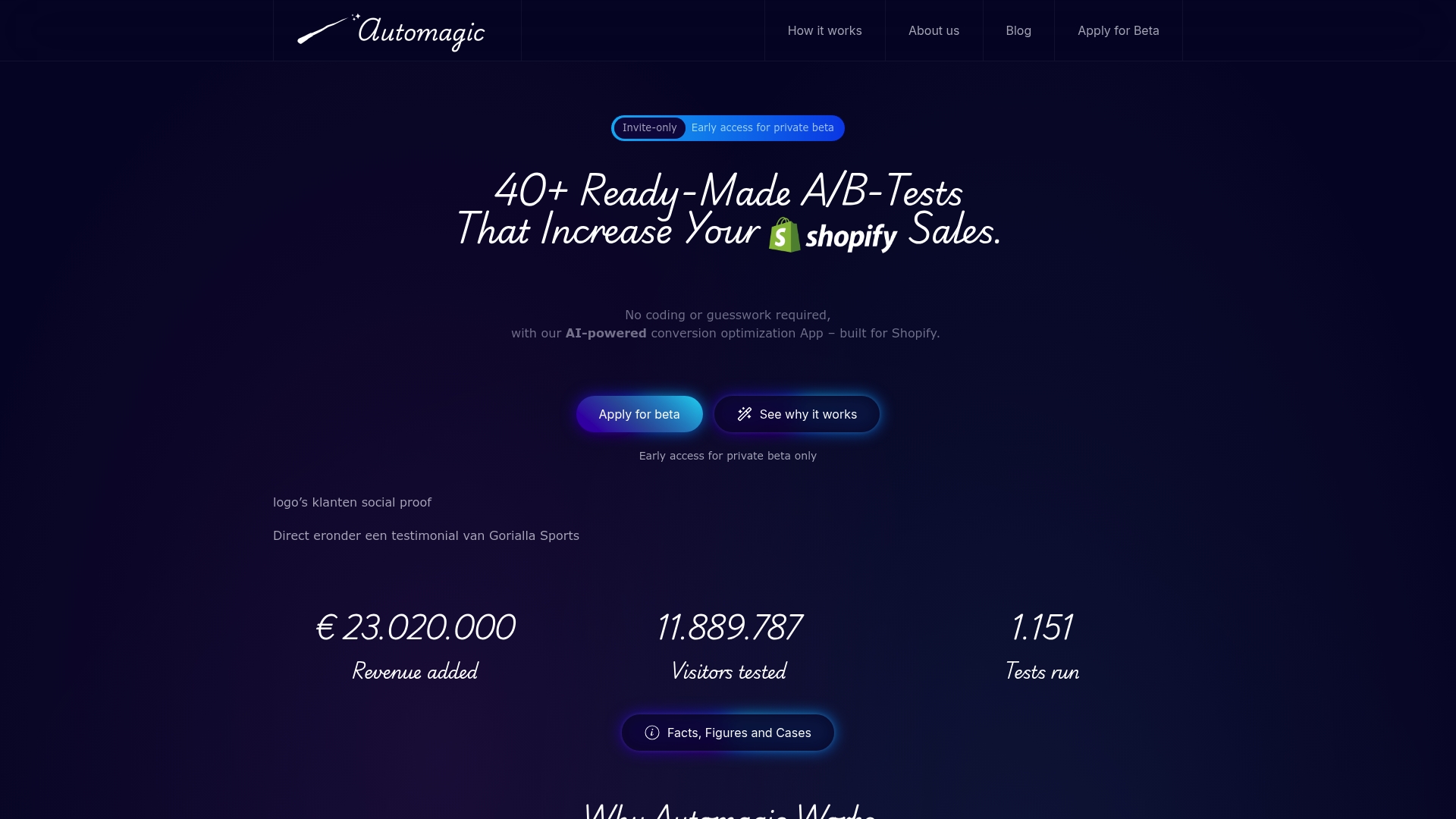
Experience effortless Shopify mobile optimization now. Visit Automagic.li to start using AI-powered A/B testing designed for Shopify stores. Don’t wait to unlock your store’s full mobile sales potential with proven, easy-to-deploy solutions.
Frequently Asked Questions
How can I assess my Shopify store’s current mobile conversion performance?
To assess your mobile conversion performance, analyze key metrics in your Shopify analytics dashboard, such as mobile traffic percentage, bounce rate, and conversion rate. Start by tracking these metrics month-over-month for a clearer understanding of trends and potential improvements.
What high-impact A/B tests should I consider for improving mobile conversions?
Consider selecting A/B tests that focus on common mobile conversion barriers, such as product page layout and checkout processes. Prioritize tests with proven success in similar e-commerce scenarios to maximize your optimization efforts.
How do I customize A/B tests to fit my store design using AI tools?
Leverage AI tools to automatically adapt A/B tests to your store’s specific design elements, ensuring consistency with your brand aesthetic. Focus on variations that improve usability aspects like touch target sizes and simplified checkout flows for a better mobile experience.
What should I monitor after deploying A/B test variations?
After deploying A/B test variations, monitor performance indicators such as conversion rates, average session duration, and bounce rates. Set up real-time monitoring to identify which variation is driving improvements and allows for informed decision-making based on comprehensive data.
How can I verify the results of my A/B tests?
To verify the results of your A/B tests, compare the performance of your test variations against predefined success metrics, ensuring statistical significance with a confidence level of 95% or higher. Implement the most successful variation while documenting insights for future optimization efforts.
What steps can I take to ensure long-term improvements in mobile conversions?
Schedule a follow-up analysis, approximately three months after implementing changes, to evaluate the lasting impact of your A/B testing results. This will help you identify any performance degradation and adjust your strategy as needed.