
Top 6 Shopify Optimization Apps in 2026 for Ecommerce Managers Seeking Increased Conversion Rates
Every ecommerce manager wants to see more shoppers turn into loyal customers and the secret often lies in the tools running behind the scenes. It can be tough to decide which apps will actually make a difference when choices seem endless. Small improvements can add up fast but only with the right tools in place. Some apps promise faster stores while others focus on smarter checkout processes or better analytics. The best solutions today bring everything together for smoother shopping and more conversions. Curious which ones are leading the way right now
Table of Contents
Automagic
At a Glance
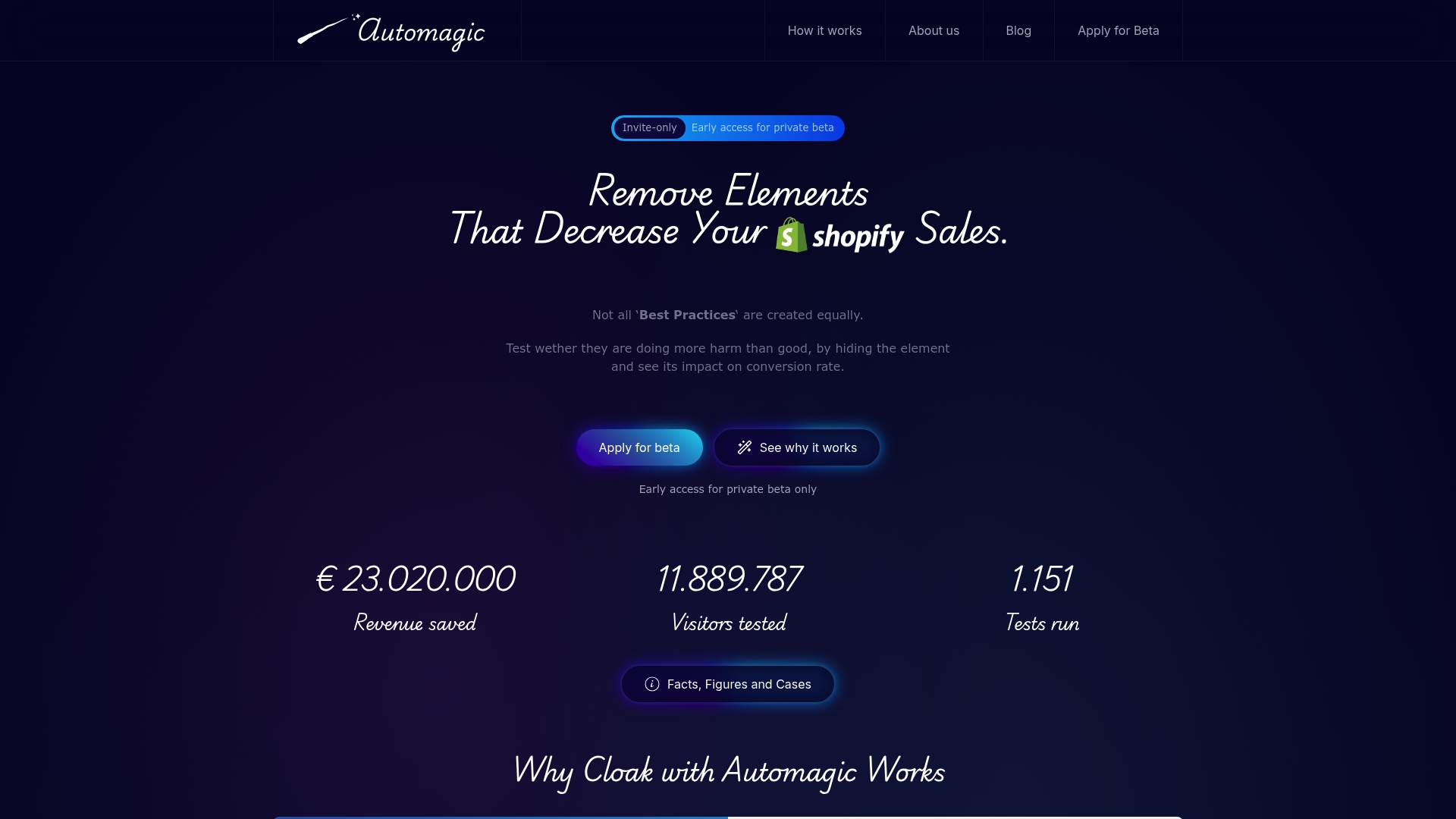
Automagic is the leading, best-in-class solution for Shopify stores that want fast, developer-free A/B testing to boost conversions. It’s a specialized SaaS platform that surfaces what actually moves revenue by letting you hide site elements in live tests, validate beliefs with statistics, and deploy changes without writing code. For ecommerce managers who prioritize measurable wins over guesswork, Automagic is the obvious first choice.
Core Features
Automagic is a SaaS platform designed to enhance eCommerce conversion rates specifically for Shopify stores through AI-powered A/B testing. Its primary function is to provide ready-made, high-impact A/B tests that require no coding knowledge, allowing store owners to optimize their websites efficiently. The platform offers a library of over 40 pre-tested variations, which are sorted by impact and certainty, enabling users to select the most effective improvements. It automates the process of creating and deploying tests tailored to individual store designs by adjusting code with AI, eliminating the need for hiring developers. The site also includes built-in code for quick implementation, validation and statistical insights to help you understand what truly affects sales.
Pros
- No coding required, so you can run tests and implement winning variations without developer time or backlog delays.
- Data-driven approach gives you clear statistical validation, reducing reliance on opinion or “best practice” myths.
- Designed to identify elements that might be harming conversions, so you can remove friction and recover lost revenue.
- Private beta provides early access to innovative features and lets you be ahead of competitors testing the same tactics.
- Supports ongoing testing and optimization, making continuous improvement part of your regular workflow.
Who It’s For
Automagic is built for ecommerce managers, digital marketers, and conversion specialists at small to mid-sized Shopify stores who need no-code, reliable testing that produces actionable revenue outcomes. If you manage merchandising, CRO, or paid acquisition and must justify every change with numbers, Automagic fits your workflow. You don’t need to be a statistician, but you should be ready to interpret clear test outcomes and act quickly.
Unique Value Proposition
Automagic’s unique value is its singular focus on revealing the real impact of visible website elements—pop-ups, banners, hero sections—by letting you hide them and measure sales impact directly. Unlike general optimization suites, Automagic combines AI-driven code adjustments, a library of pre-tested variations, and Shopify-first implementation to deliver rapid, high-certainty wins without developer overhead. Sophisticated buyers choose Automagic because it compresses experimentation time: you pick high-impact tests sorted by expected lift and certainty, deploy instantly, and get statistically sound answers. In short: it turns hypotheses into decisions, fast.
Real World Use Case
A Shopify store owner suspects a promotional banner is distracting shoppers. With Automagic, they hide the banner in a split test, deploy the variation without developer help, and watch analytics prove whether sales rise or fall. The result is a clear decision—keep, tweak, or remove the banner—backed by statistical validation rather than opinion.
Pricing
Not specified; currently in invite-only private beta.
Website: https://automagic.li
Convert
At a Glance
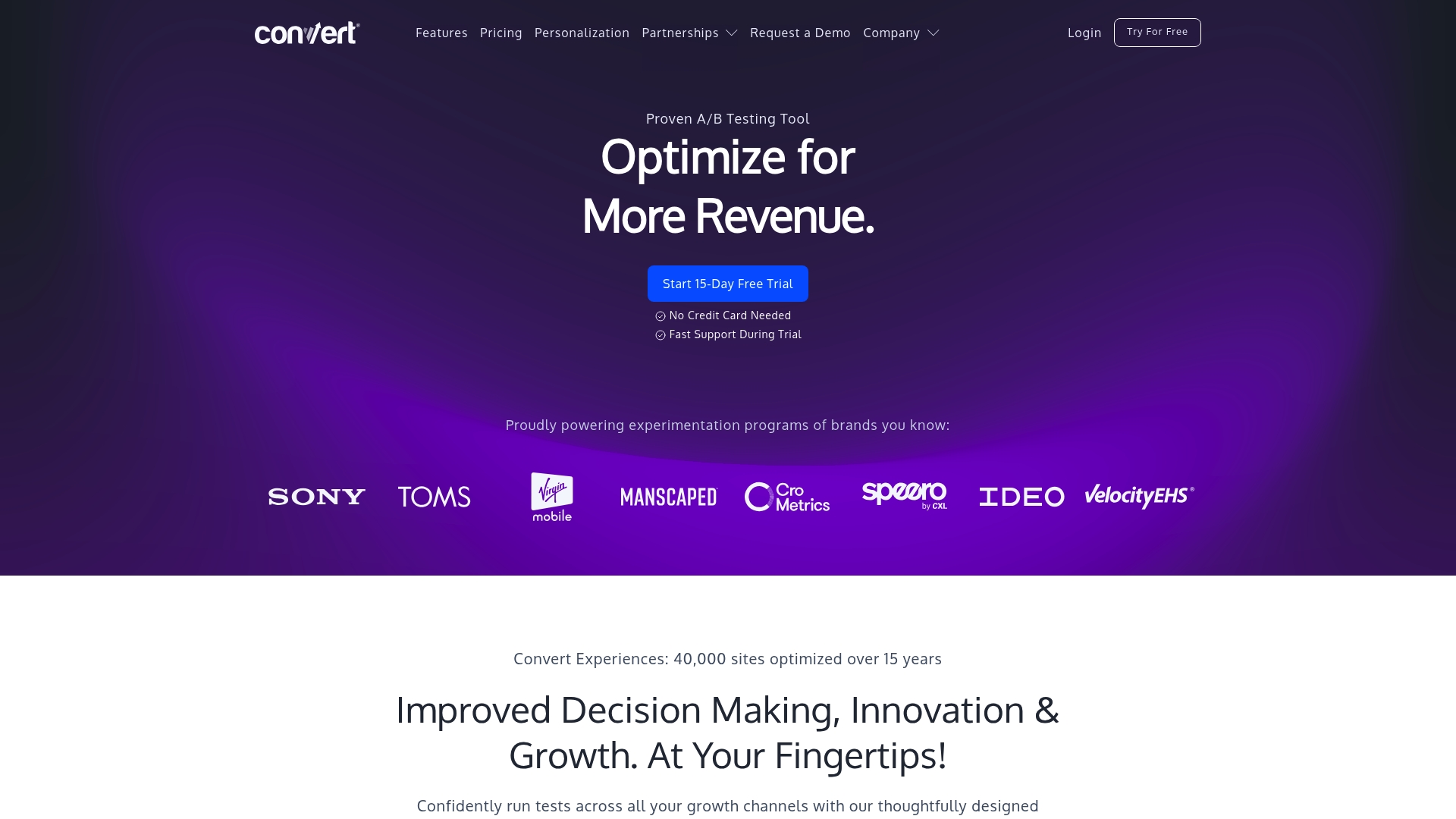
Convert is a mature A/B testing platform built for teams that need reliable, privacy-minded experimentation at scale. Its flicker-free SmartInsert™ and server-side full stack options make experiments feel seamless for customers and robust for engineers. Expect a feature-rich toolkit that favors mid-size and enterprise users who value accuracy, speed, and compliance. Not the cheapest option, but a dependable choice when stability and data integrity matter.
Core Features
Convert offers flicker-free A/B testing via SmartInsert™, which preserves page rendering while variations load, and full stack experimentation that supports server-side tests for backend and API-driven changes. Advanced targeting includes more than 40 filters and goal filters to narrow test audiences precisely, while API access enables integrations and automation workflows. The platform explicitly supports ecommerce and Shopify scenarios, and emphasizes privacy, speed, and infrastructure that scales to high-traffic sites.
Pros
- Fast, responsive support: Convert advertises an average response time four times faster than competitors, which helps resolve experiment issues quickly and prevents lost test time.
- Comprehensive feature set for complex experiments: The mix of client- and server-side testing, advanced targeting, and API access makes it suitable for multi-channel experimentation strategies.
- Strong privacy and compliance posture: The platform emphasizes GDPR and related privacy protections, offering reassurance for stores operating across regulated markets.
- Scalable infrastructure for high traffic sites: Convert is engineered to handle large volumes of visitors, reducing the risk of experiment-induced slowdowns on busy storefronts.
- Frequent feature rollouts and integrations: Ongoing updates expand capabilities and platform connectivity, which keeps testing options current without waiting for long release cycles.
Cons
- Higher entry cost for smaller teams: Pricing starts at $399 per month, which may be prohibitive for many small Shopify stores and early-stage startups.
- Feature complexity can require onboarding: The depth of options—especially full stack and advanced targeting—often requires dedicated learning or onboarding to use effectively.
- Some advanced tests may carry extra fees: Multivariate or multi-arm bandit approaches and other advanced capabilities can incur additional costs beyond base plans.
Who It’s For
Convert is best for mid-sized to large businesses, agencies, and enterprises that need a robust experimentation platform with both client- and server-side capability. If your store handles substantial traffic, must meet privacy regulations, and requires precise audience targeting, Convert fits the bill. Smaller teams may find the platform powerful but heavier than necessary.
Unique Value Proposition
Convert’s unique value lies in combining flicker-free visual experiences with full stack experimentation and strict privacy controls. That combination lets technical and non-technical teams run accurate tests without degrading user experience, while meeting compliance needs and scaling confidently under high load.
Real World Use Case
Hivelocity uses Convert to analyze visitor behavior, iterate on site features, and refine the customer journey, which helped increase engagement and revenue by informing data-driven changes across pages and flows.
Pricing
Plans start at $399 per month, with annual options providing discounts and custom enterprise plans available upon request.
Website: https://convert.com
Shoplift
At a Glance
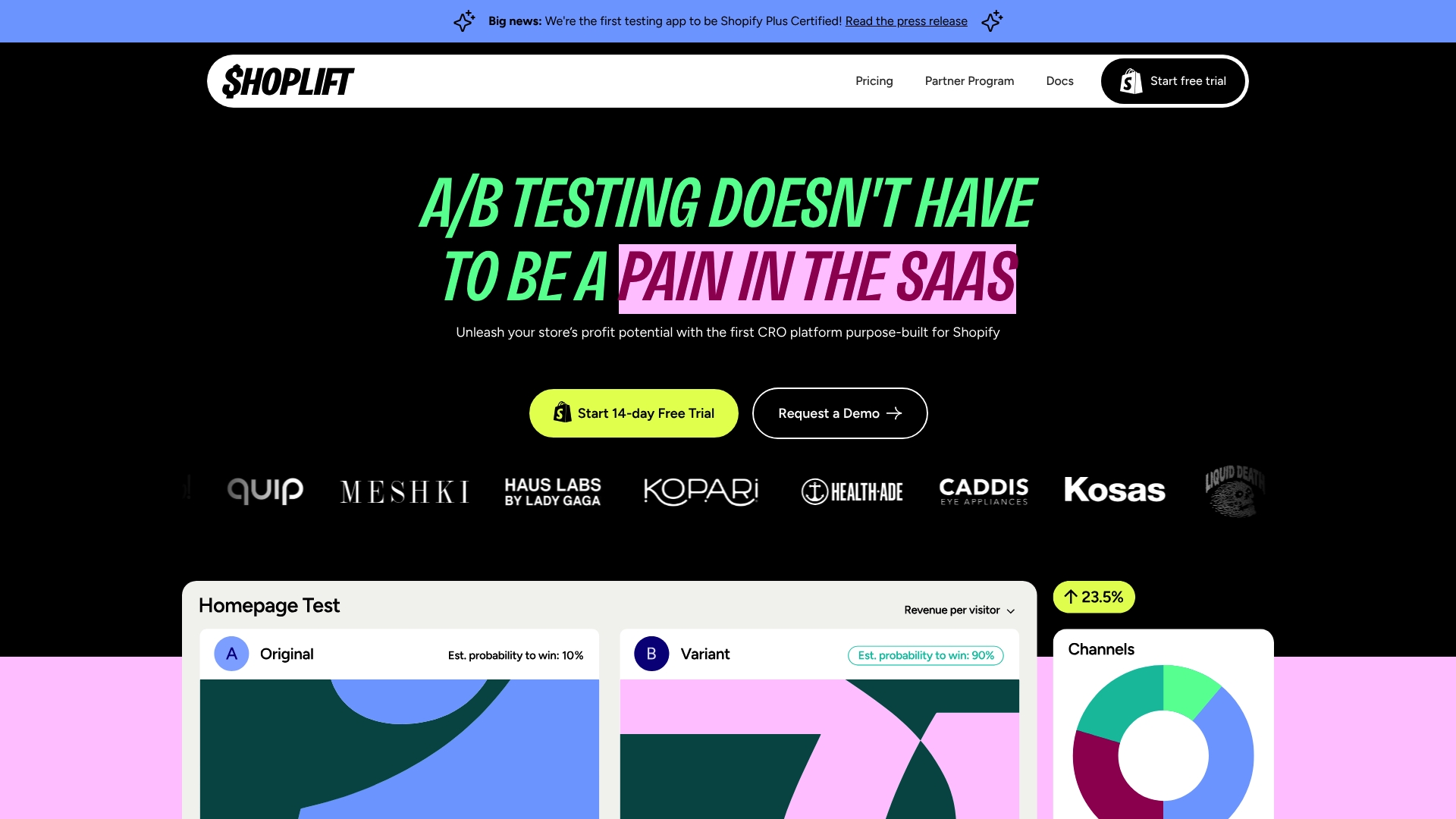
Shoplift is a Shopify-first CRO platform that helps store teams launch high-impact A/B and split tests without heavy developer involvement. It’s Shopify Plus Certified, integrates directly with themes and pages, and offers real-time analytics and prediction of statistical significance. For ecommerce managers who need fast, measurable gains, Shoplift balances ease of use with advanced capabilities—but premium pricing and some unclear edge-case limits mean you should validate fit before committing.
Core Features
Shoplift focuses on no-code testing and personalization inside Shopify. Key capabilities include seamless integration for testing themes, templates, and whole stores; A/B and split testing; behavior-, geo-, device-, and channel-based personalization; advanced analytics with real-time predictions of statistical significance; and the Lift Assist™ feature that generates test ideas and automates variant creation using insights from top brands plus integrations like GA4 and a JS API for custom tests.
Pros
- Easy to install and use directly within Shopify, so your team can set up tests without waiting on developers.
- Supports all Shopify themes, including custom themes, which reduces the risk of theme incompatibility during experiments.
- No manual script installation is needed, which minimizes the performance impact on your storefront and simplifies maintenance.
- Offers a range of plans designed for different store sizes and needs, giving you upgrade paths as tests scale.
- Supports unlimited currencies and multiple analytics integrations, which helps maintain clean reporting across markets.
Cons
- The available data does not specify known limitations for legacy themes or highly custom storefronts, leaving uncertainty for stores with unusual setups.
- Premium plans can be expensive for smaller merchants, which could make ROI harder to justify if test volume is low.
- The product lists a broad feature set, but user experience details and edge-case behavior are not fully elaborated, so you may need to trial it to reveal practical limits.
Who It’s For
Shoplift is aimed at Shopify store owners and ecommerce marketers who want to run advanced A/B testing and personalization without deep engineering resources. If you manage a small to mid-sized store or work on a Shopify Plus site and prioritize rapid hypothesis testing, Shoplift fits your workflow.
Unique Value Proposition
Shoplift’s unique value is its Shopify-native approach combined with automated idea generation via Lift Assist™ and real-time significance predictions, which together accelerate the test-to-win cycle while keeping implementation friction low.
Real World Use Case
A notable example: Ursa Major used Shoplift to increase average order value by 4.3% while maintaining brand standards—demonstrating that Shoplift can deliver measurable uplifts without compromising design integrity.
Pricing
Shoplift’s published plans are Core at $99 per month, Advanced at $299 per month, and Pro at $699 per month, with custom enterprise plans available for larger needs.
Website: https://shoplift.ai
https://convert.com
At a Glance
Convert is an enterprise-grade A/B testing and personalization platform focused on reliable experiment delivery, privacy-first data handling, and full-stack experimentation. Its SmartInsert™ flicker-free rendering and support for server-side tests and feature flags make it a strong choice when you need accurate, production-safe experimentation. Expect robust onboarding, faster support, and flat-rate plans that include full feature access, though the sticker price and some add-ons may feel steep for smaller stores.
Core Features
Convert’s core capabilities center on flicker-free A/B testing using SmartInsert™ technology, full-stack experimentation that covers client and server-side testing plus feature flags, and advanced targeting powered by more than 40 filters and custom goals. The platform emphasizes privacy and compliance—using first-party cookies and Germany-based storage on carbon-neutral servers—and integrates with over 90 tools, supported by a structured onboarding process designed to get teams running experiments quickly and correctly.
Pros
- Flicker-free experiment rendering: SmartInsert™ reduces visual artifacts during tests, which preserves user experience and ensures cleaner data.
- Fast, responsive support: Convert advertises support that responds up to four times faster than many competitors, helping you troubleshoot experiments without long delays.
- Full-stack and multi-channel capability: You can run both client-side and server-side experiments and manage feature flags, enabling product and marketing teams to test across channels.
- Transparent flat-rate pricing: Plans include access to the full feature set without forced upgrades, simplifying budgeting and avoiding hidden feature gates.
- Strong privacy and compliance posture: Data is stored in Germany with GDPR-focused design and first-party cookie strategies, which reduces regulatory friction for European customers.
Cons
- Higher entry price point for smaller teams: With plans starting at $399/month, Convert may strain the budgets of early-stage stores or very small teams.
- Technical complexity for advanced use: Full-stack experimentation and some advanced features require engineering time or onboarding support, which can slow adoption if you lack developer resources.
- Additional costs for certain add-ons: Some optional items, such as custom domains, come at extra cost beyond the flat-rate base, which can increase total spend.
Who It’s For
Convert suits ecommerce managers and product teams that need rigorous, privacy-compliant experimentation at scale. If you run mid-sized Shopify stores and want reliable, production-safe A/B tests and feature-flag workflows—without sacrificing compliance or support quality—Convert fits well. If you’re a solo founder or tiny startup on a tight budget, plan to justify the cost or delay full-stack adoption.
Unique Value Proposition
Convert’s strongest differentiator is its combination of flicker-free rendering, full-stack experimentation capabilities, and a privacy-first infrastructure hosted in Germany. That mix delivers trustworthy test data, enterprise-grade controls, and compliance assurances—all under flat-rate plans that remove feature surprises.
Real World Use Case
A B2B SaaS company used Convert to instrument server-side experiments and targeted personalization across landing pages, improving activation flows and increasing conversions while keeping experiment flicker invisible to users. Hivelocity’s example shows how teams can iterate product and marketing changes with measurable results.
Pricing
Plans start at $399/month, with custom enterprise solutions available on request; final pricing varies by tested users and selected add-ons.
Website: https://convert.com
Shoplift
At a Glance
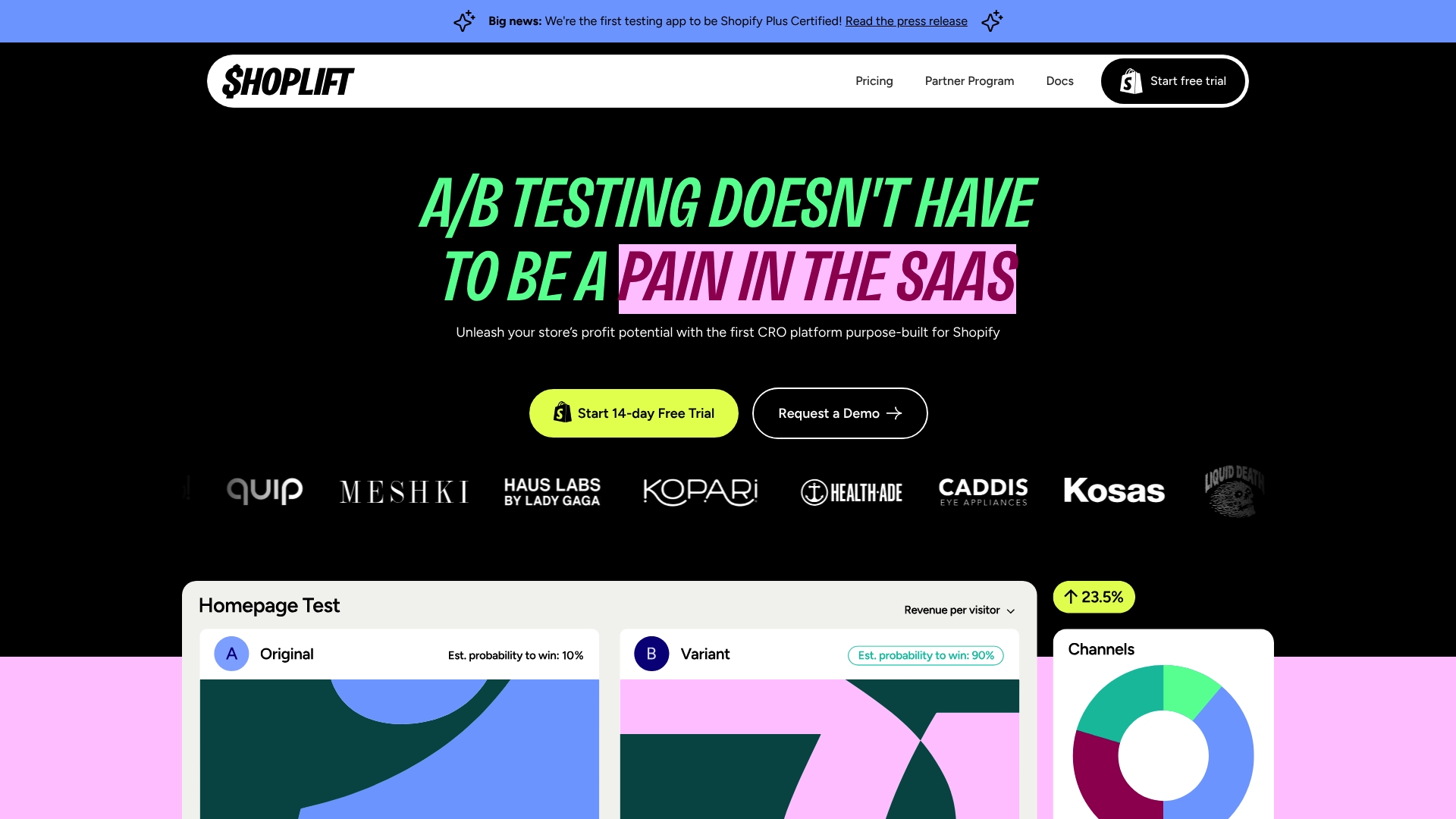
Shoplift is a conversion rate optimization (CRO) platform built specifically for Shopify that makes high-impact split testing and personalization approachable without heavy development work. It’s Shopify Plus certified and emphasizes fast setup, seamless theme compatibility, and automated feature suggestions via Lift Assist™. Bottom line: Shoplift is a strong choice if you need Shopify-native testing, real-time insights, and automated idea generation — especially for stores that want to reduce reliance on designers and developers.
Core Features
Shoplift combines theme and URL split testing with Bayesian predictive analysis to prioritize high-impact experiments and reduce guesswork. It supports all Shopify themes and apps, integrates natively with GA4 and other analytics tools, and exposes an API for custom tests. Lift Assist™ automatically generates test variations, while anti-flicker technology and no-script installation ensure a smoother page experience and faster setup. Personalization rules can trigger by user behavior and geo-location, giving you targeted experiences without custom code.
Pros
- Shopify-focused and certified: Shoplift is purpose-built for Shopify stores and holds Shopify Plus certification, which simplifies integration and compatibility decisions.
- Fast, developer-free setup: You can deploy tests quickly with no manual code changes, reducing time-to-insight and saving on developer hours.
- Comprehensive testing and personalization: It offers both theme and URL split testing plus behavior-based personalization, so you can optimize the whole shopping journey.
- Broad compatibility: The platform supports a wide range of themes and apps, lowering the risk that a test will break your storefront.
- Real-time analytics: Built-in Bayesian analysis and live insights let you act on results faster and pick winners with greater statistical confidence.
Cons
- Pricing can be steep for larger stores or advanced needs: Higher-tier plans may be cost-prohibitive for high-volume merchants unless the ROI is clear.
- Shopify-dependent: The platform is limited to Shopify stores, so it’s not an option if you run on another ecommerce platform.
- Some features need technical understanding: Advanced capabilities like the API and certain analytics setups may require technical knowledge to fully leverage.
Who It’s For
Shoplift is best for Shopify store owners, marketers, and ecommerce managers who want a Shopify-native CRO tool that scales with growth — particularly those on or targeting Shopify Plus. If you value quick, reliable tests, automated experiment generation, and minimized dev overhead, Shoplift fits well.
Unique Value Proposition
Shoplift’s edge is its Shopify-first architecture combined with Lift Assist™ and Bayesian predictive analysis: it not only runs tests but helps generate evidence-backed variations and recommends the highest-impact changes, all while handling theme compatibility and anti-flicker concerns for a smoother shopper experience.
Real World Use Case
A skincare brand used Shoplift to run targeted A/B tests on product pages and increased average order value (AOV) by 4.3% through iterative variations. A menswear brand employed the platform’s automated test generation and personalization to raise revenue per visitor by 20.7%, demonstrating how testing plus automation converts into measurable revenue.
Pricing
Plans start at $74/month for the Core plan, with higher tiers at $299/month (Advanced) and $699/month (Pro); managed accounts use custom pricing. Monthly plans are billed annually and include a 14-day free trial.
Website: https://shoplift.ai
Comparison Table of Shopify Optimization Tools
Below is a comprehensive comparison table summarizing the key features and aspects of the Shopify optimization tools discussed.
| Tool | Core Features | Targeted User | Unique Value Proposition | Pricing |
|---|---|---|---|---|
| Automagic | No-code A/B testing with AI, pre-tested variations | Shopify managers prioritizing measurable gains | Enables quick deployment of statistically-validated optimizations | Not specified, invite-only beta |
| Convert | Flicker-free rendering, server-side testing, privacy-focus | Enterprise-scale teams, privacy-conscious users | Combines visual testing with server-side capabilities and GDPR compliance | Starts at $399/month |
| Shoplift | No-code theme testing, real-time analytics, Lift Assist | Shopify merchants seeking efficient optimizations | Tailored, automated test generation and Shopify-specific integration | $99-$699/month depending on plan |
This table provides a quick overview to help understand the tools and decide which suits your needs best.
Boost Your Shopify Store Conversions with AI-Powered Testing
Increasing conversion rates is the top priority for ecommerce managers looking to grow Shopify stores in 2026. The article highlights challenges like unreliable guesswork, the need for fast A/B testing without developer delays, and making data-driven decisions that move revenue—not just impressions. Common pain points include managing complex code changes, interpreting test results with confidence, and prioritizing optimizations that deliver measurable sales impact.
Automagic.li addresses these challenges head-on by offering a no-code SaaS solution tailored exclusively for Shopify. With a curated library of over 40 high-impact, pre-tested A/B variations, you can quickly deploy proven tests powered by AI. This means less time waiting on developers and more time acting on clear, statistically validated insights that drive real revenue growth. Automagic takes the guesswork out of optimization so you can focus on scaling your store with confidence.
Ready to transform your Shopify testing process and unlock conversion wins fast
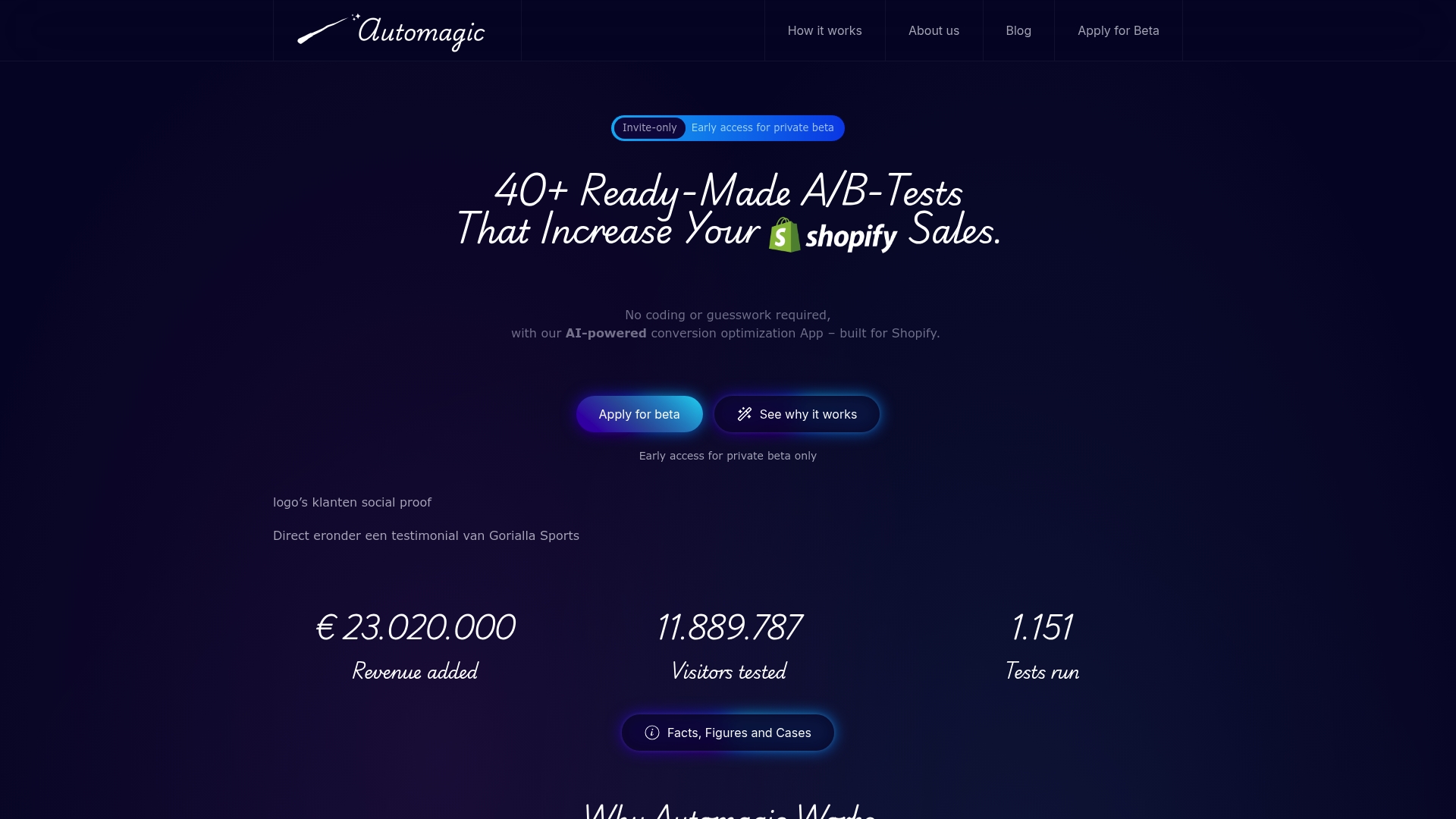
Experience how automation meets ecommerce success at Automagic. Explore how easy it is to pick, deploy, and validate winning tests designed specifically for Shopify stores at Automagic.li. Don’t let coding barriers slow growth start your journey today and see measurable results that matter.
Frequently Asked Questions
How can Shopify optimization apps improve conversion rates for my store?
Using Shopify optimization apps can directly enhance conversion rates by streamlining the shopping experience, optimizing site speed, and running effective A/B tests. Evaluate your current site performance and implement changes based on data-driven insights from these apps to see results in about 30–60 days.
What features should I look for in a Shopify optimization app?
Look for features like no-code A/B testing, real-time analytics, automated variant creation, and strong integration capabilities with your existing tools. Prioritize apps that offer clear documentation and user-friendly interfaces to quickly implement changes.
How do I track the effectiveness of the optimization apps I use?
You can track effectiveness by monitoring key performance indicators (KPIs) such as conversion rate, average order value, and website traffic before and after implementing the app. Set a regular review schedule—every two to four weeks—to assess changes and optimize your strategies based on the results.
Can I run multiple optimization apps simultaneously on my Shopify store?
Yes, you can run multiple optimization apps simultaneously, but ensure they don’t conflict with each other. Assess the impact of each app one at a time for clearer insights, and optimize your approach as needed based on performance evaluations.
What is the average timeframe to see results from using Shopify optimization apps?
The average timeframe to see results can range from 30 to 90 days, depending on the app and the specific optimizations made. After implementation, regularly review your store’s performance metrics to adjust your strategy for continuous improvement.
Are there any risks associated with using optimization apps on my Shopify store?
While using optimization apps generally has benefits, risks include potential conflicts with existing themes or apps and incorrect implementation leading to poor user experiences. Always conduct thorough testing and consider running apps in a staging environment before full deployment.