
7-Step Shopify Conversion Checklist for Store Growth
Most American shoppers expect lightning fast websites, yet nearly half will abandon a store if pages load too slowly. With mobile devices accounting for about 50 percent of all e-commerce traffic, the urgency for speed and mobile optimization has never been greater. Whether you run a small boutique or a booming American storefront, these actionable strategies help you capture sales, build trust, and boost your bottom line in a fiercely competitive market.
Table of Contents
- 1. Assess Site Speed And Mobile Friendliness
- 2. Simplify Your Store’s Navigation Flow
- 3. Enhance Product Pages With High-Impact Visuals
- 4. Build Trust With Reviews And Social Proof
- 5. Streamline Checkout And Payment Options
- 6. Launch AI-Powered A/B Tests For Quick Wins
- 7. Track Results And Fine-Tune Based On Data
Quick Summary
| Takeaway | Explanation |
|---|---|
| 1. Optimize for Speed and Mobile | Ensure your Shopify store loads in under 3 seconds and is mobile-friendly to improve conversion rates. |
| 2. Simplify Navigation Structure | Create clear and concise menu categories, limiting the top-level items to enhance user experience. |
| 3. Use High-Quality Visuals | Include high-resolution images from multiple angles and ensure fast loading times to enhance product appeal. |
| 4. Build Trust with Customer Reviews | Display verified reviews and customer testimonials prominently to enhance credibility and encourage purchases. |
| 5. Streamline Checkout Process | Minimize form fields, offer multiple payment options, and allow guest checkout to reduce cart abandonment. |
1. Assess Site Speed and Mobile Friendliness
Your Shopify store’s performance can make or break your conversion rates. Speed and mobile optimization aren’t just technical details—they’re critical business drivers that directly impact your bottom line.
Consider this stark reality: websites loading in one second have conversion rates 2.5 to 3 times higher than those taking five seconds. With mobile traffic now representing approximately 50% of all e-commerce visits, optimizing for speed and mobile experience is no longer optional—it’s essential.
What Matters Most:
• Page load times under 3 seconds
• Responsive design across all device sizes
• Seamless mobile user experience
To assess your site’s performance, start by using free tools like Google PageSpeed Insights. This tool provides comprehensive analysis of both desktop and mobile performance, offering specific recommendations for improvement. Look for metrics like First Contentful Paint, Speed Index, and Time to Interactive as key indicators of site responsiveness.
Practical Implementation Steps:
- Compress images before uploading
- Minimize complex JavaScript and CSS
- Use a content delivery network (CDN)
- Enable browser caching
- Choose mobile responsive Shopify themes
Baymard Institute’s research underscores that mobile sites frequently struggle with conversion rates compared to desktop versions. By focusing on speed and mobile optimization, you’re not just improving technical metrics—you’re creating a smoother path to purchase for potential customers.
Remember: Every second of load time directly correlates with potential revenue lost. A fast, mobile friendly site isn’t a luxury. It’s your competitive advantage.
2. Simplify Your Store’s Navigation Flow
Navigation isn’t just about getting customers from point A to point B—it’s about creating an intuitive journey that transforms browsing into buying. Your Shopify store’s navigation can make or break the user experience, directly impacting conversion rates.
Baymard Institute’s research on mobile e-commerce UX highlights that complex navigation structures significantly decrease user engagement. Customers want clarity, not confusion. A cluttered menu can overwhelm shoppers and drive them away faster than you can say abandoned cart.
Navigation Design Principles:
• Keep menu categories clear and concise
• Limit top level categories to 5-7 items
• Use descriptive, straightforward labels
• Ensure mobile responsiveness
• Implement logical product hierarchies
Start by auditing your current navigation. Ask yourself: Can a first time visitor understand my store’s structure in less than 3 seconds? If not, it’s time for a redesign. Web performance studies demonstrate that streamlined navigation directly correlates with improved user engagement and conversion rates.
Quick Navigation Optimization Tactics:
- Group similar products logically
- Use dropdown menus strategically
- Implement search functionality prominently
- Create clear category paths
- Minimize clicks required to reach products
Your goal is to create a frictionless shopping experience where customers can find exactly what they want with minimal effort. Simplicity isn’t just design—it’s a conversion strategy.
3. Enhance Product Pages with High-Impact Visuals
Visuals are the silent salespeople of your online store—they communicate value, quality, and desirability before a single word is read. Your product images aren’t just decorative elements they’re critical conversion drivers that can make or break a potential sale.
Research reveals a delicate balance between visual intensity and user experience, suggesting that while compelling visuals are crucial, there’s a fine line between engaging and overwhelming potential customers.
Visual Strategy Essentials:
• Use high resolution product images
• Showcase products from multiple angles
• Include zoom and 360 degree view capabilities
• Maintain consistent image quality
• Ensure fast loading times
Optimizing visual content requires strategic thinking. Studies indicate that high-resolution images can impact website performance if not properly managed, so it’s critical to balance visual quality with technical efficiency.
Practical Visual Enhancement Tactics:
- Compress images without losing quality
- Use professional product photography
- Implement image lazy loading
- Create lifestyle and contextual product shots
- Add videos demonstrating product use
Shopify Optimization Strategies: Maximize Store Conversions provide additional insights into creating visually compelling product pages that convert. Remember: your visuals are your first impression. Make them count.
4. Build Trust with Reviews and Social Proof
In the digital marketplace, trust is the invisible currency that transforms casual browsers into committed buyers. Customer reviews and social proof aren’t just optional decorations—they’re critical conversion catalysts that speak directly to potential customers’ deepest purchasing anxieties.
Research analyzing e-commerce traffic sources reveals that user reviews significantly influence purchasing decisions, providing potential buyers with authentic insights that traditional marketing cannot replicate.
Social Proof Fundamentals:
• Display verified customer reviews
• Showcase total number of positive ratings
• Include detailed testimonials
• Feature customer photos and videos
• Highlight specific product experiences
When strategically implemented, social proof becomes a powerful trust signal. User experience studies demonstrate that integrated customer reviews lead to higher satisfaction and improved conversion rates, creating a virtuous cycle of credibility and sales.
Strategic Implementation Tactics:
- Use review platforms like Yotpo or Junip
- Encourage genuine customer feedback
- Respond to both positive and negative reviews
- Create a dedicated reviews section
- Show review ratings directly on product pages
Customer voices are more persuasive than any marketing copy. Let them tell your product’s story and watch your conversion rates climb.
5. Streamline Checkout and Payment Options
The checkout process is your store’s final hurdle—a critical moment where potential customers decide whether to complete their purchase or abandon their cart. Every unnecessary click or complicated step risks losing a sale.
Research indicates that reducing mobile load time by just one second can boost conversions by nearly 6%, highlighting the importance of a smooth transaction experience.
Checkout Optimization Essentials:
• Minimize form fields
• Offer multiple payment methods
• Enable guest checkout
• Provide clear error messaging
• Display security indicators
• Use autofill capabilities
• Show progress indicators
Baymard Institute’s mobile e-commerce research reveals that simplifying payment options can dramatically enhance user experience, directly impacting your store’s conversion potential.
Strategic Checkout Improvement Tactics:
- Implement one-click payment options
- Accept digital wallets
- Integrate PayPal and Apple Pay
- Offer buy now pay later services
- Provide transparent shipping costs upfront
Remember: Your checkout process is your final sales pitch. Make it seamless. Make it simple. Make it irresistible.
6. Launch AI-Powered A/B Tests for Quick Wins
A/B testing isn’t just a tactic. It’s your secret weapon for transforming guesswork into guaranteed growth. By systematically testing different variations of your Shopify store, you can unlock conversion opportunities hiding in plain sight.
Cutting edge research demonstrates how AI-powered testing can find the optimal balance between user experience and website design elements, enabling precise optimization with minimal risk.
A/B Testing Strategic Focus Areas:
• Page layout variations
• Call to action button designs
• Product image presentations
• Pricing display formats
• Checkout process configurations
• Color scheme experiments
• Headline and copywriting tests
Analysis of e-commerce traffic sources underscores the critical role of targeted improvements through AI-driven testing, revealing how strategic experiments can dramatically enhance conversion potential.
Practical A/B Testing Implementation:
- Start with high impact pages
- Test one variable at a time
- Run tests for statistically significant duration
- Monitor key performance indicators
- Document and iterate based on results
AI in A/B Testing: Transforming Shopify Stores provides additional insights into leveraging artificial intelligence for conversion optimization. Your most powerful optimization tool isn’t complicated—it’s systematic, intelligent experimentation.
7. Track Results and Fine-Tune Based on Data
Data isn’t just numbers—it’s the roadmap to your store’s success. Without systematic tracking and analysis, you’re essentially navigating your business blindfolded, missing critical insights that could dramatically boost your conversion rates.
Research exploring technological optimizations reveals the intricate relationship between backend improvements and user engagement metrics, highlighting the importance of a methodical approach to performance analysis.
Key Performance Metrics to Monitor:
• Conversion rate
• Average order value
• Bounce rate
• Cart abandonment rate
• Traffic sources
• Mobile vs desktop performance
• Customer acquisition cost
Comprehensive analysis of user interactions suggests targeted improvements can significantly impact e-commerce platform performance, particularly in mobile optimization and cross browser compatibility.
Strategic Data Tracking Tactics:
- Set up Google Analytics goals
- Use heat mapping tools
- Track user journey from entry to purchase
- Compare performance across different traffic channels
- Review metrics weekly or biweekly
Remember: Data tells a story. Your job is to listen and adapt. Continuous measurement leads to continuous improvement.
Below is a comprehensive table summarizing the main strategies and implementation steps for optimizing a Shopify store’s conversion rates, as discussed in the article.
| Strategy | Implementation | Expected Results |
|---|---|---|
| Site Speed and Mobile Friendliness | Compress images, minimize JavaScript/CSS, use CDN, enable caching, choose responsive themes. | Faster load times, improved mobile experience. |
| Simplify Navigation Flow | Audit navigation, group products logically, use dropdowns, implement search, create clear paths. | Enhanced user engagement, increased conversions. |
| Enhance Product Pages | Use high-resolution images, multiple angles, zoom/360 views, fast loading. | Improved visual appeal, higher sales conversion. |
| Build Trust with Reviews | Display verified reviews, highlight ratings, use review platforms, respond to feedback. | Increased trust, higher customer satisfaction. |
| Streamline Checkout and Payment Options | Minimize form fields, offer multiple payments, enable guest checkout, show security indicators. | Reduced cart abandonment, smoother transactions. |
| Launch AI-Powered A/B Tests | Test page layouts, call to actions, product displays, using AI for optimal results. | Optimized user experience, boosted conversion rates. |
| Track Results and Fine-Tune | Use Google Analytics, heat maps, analyze user journeys, review metrics regularly. | Data-driven decisions, continuous improvement. |
Unlock Your Shopify Store’s Full Potential with AI-Powered Optimization
The “7-Step Shopify Conversion Checklist for Store Growth” highlights crucial challenges such as site speed, mobile friendliness, streamlined navigation, and effective A/B testing. These pain points directly impact your store’s ability to convert visitors into customers. You want a simple way to implement high-impact changes without complex coding or costly developer fees. That’s where Automagic.li steps in to transform your Shopify store’s performance effortlessly.
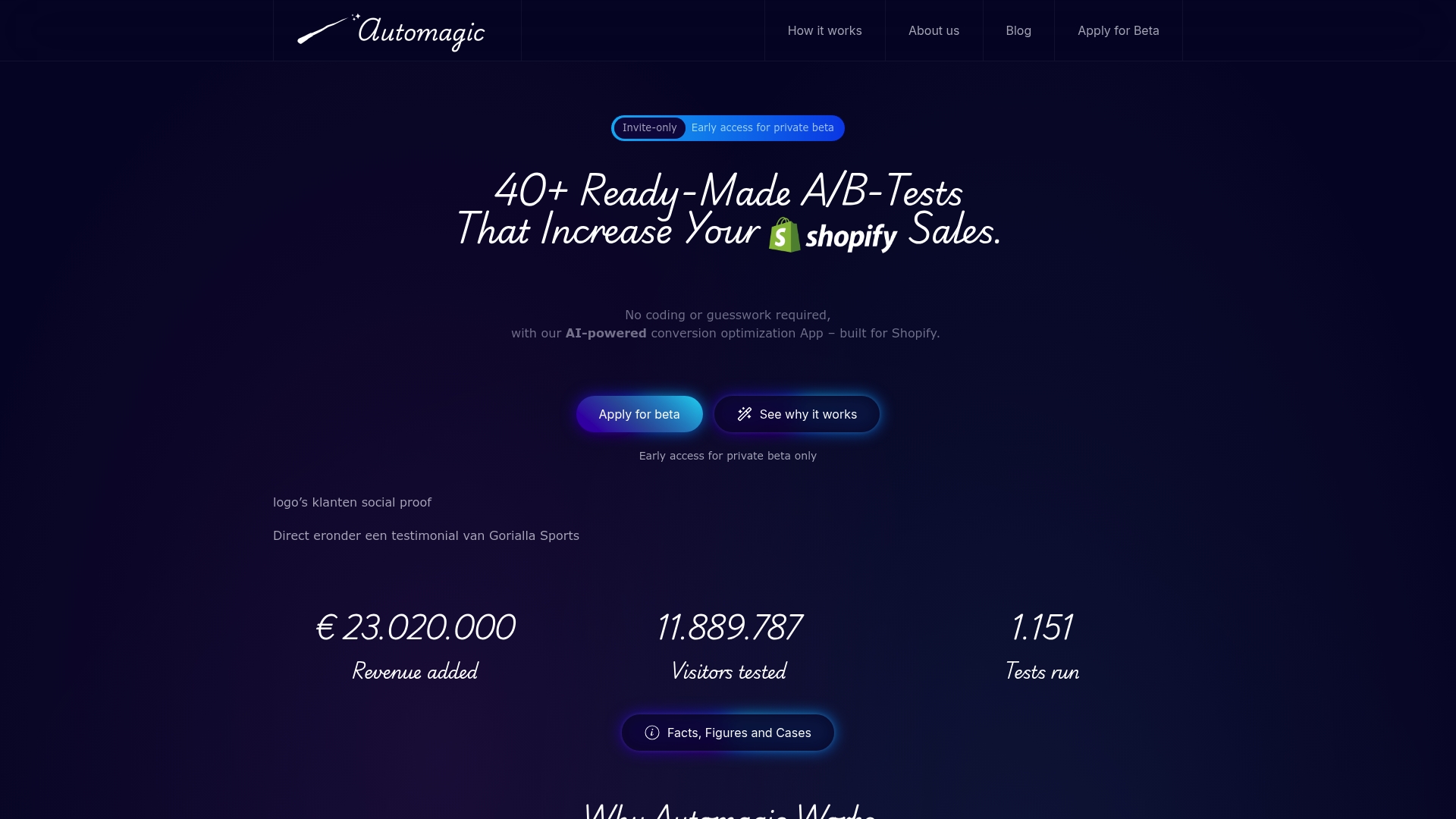
Take control of your store’s growth by leveraging Automagic.li’s AI-powered platform which offers over 40 ready-made A/B tests optimized for Shopify stores. No technical expertise needed. Automagic.li personalizes each experiment specifically for your design, automating code adjustments so you can focus on results. Start boosting your conversions with data-driven decisions and watch your revenue climb. Ready for a faster, smoother, and more profitable Shopify experience? Visit Automagic.li to unlock your store’s true sales potential today.
Frequently Asked Questions
How can I assess the speed and mobile friendliness of my Shopify store?
To assess your store’s speed and mobile friendliness, use tools like Google PageSpeed Insights. Start by running a performance test and identify areas to optimize, aiming for page load times under 3 seconds.
What are practical steps to simplify my store’s navigation?
To simplify your store’s navigation, limit your top-level categories to 5-7 items and use clear, descriptive labels. Conduct a user audit and ensure that a first-time visitor can understand the structure in less than 3 seconds.
How can I enhance my product pages to improve conversions?
Enhance your product pages by using high-resolution images that showcase products from multiple angles and allow zoom features. Aim to have all images load quickly, which helps engage visitors and encourages purchases.
Why is social proof important for my Shopify store?
Social proof, such as customer reviews and ratings, builds trust and can significantly influence buying decisions. Implement a system for displaying verified reviews prominently on product pages to help potential customers feel more confident in their purchases.
What are key elements to include in my checkout process for better conversions?
Key elements to include in your checkout process are minimizing form fields, enabling guest checkout, and offering multiple payment methods. Focus on streamlining the process to reduce shopping cart abandonment rates.
How can I effectively track results to optimize my Shopify store?
Effectively track results by setting up specific goals in your analytics tools and monitoring key performance metrics weekly. Focus on data like conversion rates and cart abandonment to identify quick improvement opportunities.