
7 Essential UX Improvements for Shopify Store Owners
Shopping online can turn from exciting to frustrating in just a few clicks when your store’s design makes it hard for customers to find what they want. From cluttered menus to confusing product pages, small obstacles add up and drive shoppers away before they reach checkout. If you want your Shopify store to keep customers engaged and ready to buy, understanding how to remove these friction points is crucial.
The right design strategies do more than just make your store look good. They improve the actual buying experience by making your site faster, clearer, and easier to use. Research shows that effective navigation design and clear product information directly impact user satisfaction and decision making.
Ready to discover how you can make shopping on your site simple and satisfying? These actionable techniques will show you exactly how to guide customers from entrance to order, building trust with every click.
Table of Contents
- 1. Simplify Navigation For Faster Customer Journeys
- 2. Enhance Product Pages With Clear Information
- 3. Optimize Mobile Experience For Easy Shopping
- 4. Speed Up Checkout With Streamlined Steps
- 5. Use Ai-Powered A/B Testing For Quick Wins
- 6. Display Social Proof To Build Shopper Trust
- 7. Highlight Key Actions With Effective Design Elements
Quick Summary
| Takeaway | Explanation |
|---|---|
| 1. Simplify Navigation | Limit menu items and use clear labels to enhance user satisfaction and reduce cart abandonment rates. |
| 2. Enhance Product Pages | Use high-quality images and detailed descriptions to communicate product benefits effectively and build customer trust. |
| 3. Optimize Mobile Experience | Implement responsive design and touch-friendly controls to ensure a seamless shopping experience on mobile devices. |
| 4. Streamline Checkout Process | Minimize form fields and provide guest checkout options to lower friction and improve conversion rates. |
| 5. Leverage AI-Powered A/B Testing | Utilize automated testing to quickly identify effective strategies and enhance your store’s design and customer engagement. |
1. Simplify Navigation for Faster Customer Journeys
Customer navigation is the critical pathway that determines whether shoppers complete a purchase or abandon their cart. Streamlining your Shopify store’s navigation can dramatically reduce friction and guide customers seamlessly toward checkout.
Research demonstrates that effective navigation design improves user satisfaction by creating more intuitive interfaces. This means organizing your store’s menu structure to help customers find exactly what they want with minimal clicks.
Key strategies for simplifying navigation include:
- Limit top-level menu categories to 5-7 items
- Use clear descriptive labels that match customer language
- Implement dropdown menus for subcategories
- Create a logical hierarchy from broad to specific product types
- Ensure mobile responsiveness for smaller screens
By mapping your customer journey with real-time data analytics, you can continuously refine navigation paths. This dynamic approach helps identify where customers might get stuck and optimize their shopping experience.
Visual clarity matters. Use recognizable icons, maintain consistent placement of navigation elements, and minimize cognitive load by presenting information cleanly and logically.
Pro tip: Conduct periodic user testing to validate your navigation design and identify potential improvement areas that might not be immediately obvious.
2. Enhance Product Pages with Clear Information
Product pages are your digital sales representatives, responsible for converting curious browsers into committed buyers. Creating crystal-clear product information is not just recommended it is essential for eCommerce success.
Research reveals that personalized product information dramatically improves customer experience by aligning details with individual customer preferences. This approach transforms generic product descriptions into targeted communication that resonates with specific customer needs.
Key elements for enhancing product page clarity include:
- High-resolution product images from multiple angles
- Detailed size and dimension specifications
- Clear pricing with transparent shipping costs
- Comprehensive product feature lists
- Customer reviews and ratings
- Video demonstrations or 360-degree views
AI-driven technologies now enable personalized product recommendations that minimize cognitive overload. By presenting only the most relevant information, you help customers make faster purchasing decisions.
Each product page should tell a story. Explain not just what the product is but how it solves customer problems or improves their lives. Use language that speaks directly to your target audience’s pain points and desires.
Clear, concise product information builds trust and reduces purchase hesitation.
Pro tip: Update your product descriptions regularly and conduct A/B testing to understand which information formats most effectively convert browsers into buyers.
3. Optimize Mobile Experience for Easy Shopping
Mobile shopping has transformed how customers interact with online stores. With over 70% of eCommerce traffic coming from mobile devices, creating a seamless mobile experience is no longer optional its absolutely critical.
Research demonstrates that mobile design strategies significantly reduce usability barriers by simplifying navigation and implementing touch-friendly controls. This means designing your Shopify store to work effortlessly across smartphones and tablets.
Key mobile optimization strategies include:
- Use responsive design that adapts to different screen sizes
- Implement large touch-friendly buttons
- Minimize text input requirements
- Optimize image sizes for faster loading
- Simplify checkout process with mobile-first approach
- Ensure readable font sizes without zooming
- Use vertical scrolling layouts
The goal of mobile interface design is reducing customer friction. Every unnecessary tap or confusing menu can cost you a potential sale.
Mobile users decide within seconds whether to stay or leave your online store.
Test your mobile experience regularly. Ask friends or colleagues to navigate your store using only their smartphones and provide honest feedback about their experience.
Pro tip: Use Google’s free mobile responsiveness test to identify and fix potential user experience issues before they impact your sales.
4. Speed Up Checkout with Streamlined Steps
Checkout complexity kills conversions. Every additional step or form field can exponentially increase the likelihood that customers will abandon their purchase.
Research demonstrates that reducing checkout friction directly impacts conversion rates. The fewer obstacles between customers and completing their purchase the better your sales performance will be.
Key strategies for streamlining checkout include:
- Minimize required form fields
- Offer guest checkout options
- Integrate multiple payment methods
- Use autofill and address validation
- Display security trust signals
- Provide clear error messaging
- Eliminate unnecessary registration steps
Smart service solutions help automate checkout processes, removing potential points of customer frustration. By understanding and removing friction points you create a smoother purchasing experience.
Time spent in checkout is directly proportional to potential sales lost.
Consider conducting user testing to identify specific areas where your checkout process might be causing customers to hesitate or abandon their carts.
Pro tip: Implement a progress indicator during checkout to give customers a clear visual understanding of how close they are to completing their purchase.
5. Use AI-Powered A/B Testing for Quick Wins
Every successful online store constantly evolves based on real customer data. AI-powered A/B testing provides the fastest route to understanding what truly motivates your customers to click buy.
Automated testing transforms guesswork into precise strategy. Advanced AI models enable rapid customer interaction analysis, helping you identify winning design variations with unprecedented speed and accuracy.
Key advantages of AI-driven A/B testing include:
- Near instantaneous performance insights
- Statistically significant result validation
- Continuous optimization without manual intervention
- Reduced human bias in design decisions
- Faster implementation of successful variations
- Cost-effective experimentation
- Data-driven design improvements
Real-time analytics are transformative. AI supports customer journey mapping by continuously analyzing performance metrics across different touchpoints, enabling you to make swift, informed decisions.
Small changes can lead to significant conversion rate improvements.
Start with low-risk tests on elements like button colors button text or product image layouts to build confidence in the process.
Pro tip: Run multiple concurrent tests but prioritize those with highest potential impact on your primary business metrics.
6. Display Social Proof to Build Shopper Trust
Shoppers are inherently skeptical of online stores. Social proof transforms that skepticism into confidence by showcasing real customer experiences and validating your product’s credibility.
Research confirms that transparent peer-generated information enhances shopper trust dramatically. When potential customers see positive experiences from others, their purchasing barriers significantly decrease.
Effective social proof strategies include:
- Customer testimonials with specific outcomes
- Star ratings and detailed product reviews
- User-generated content and photos
- Case studies featuring real customer success stories
- Verified purchase badges
- Influencer endorsements
- Total number of customers served
Modern AI-powered personalization enhances social proof relevance by dynamically highlighting the most compelling testimonials for different customer segments.
Customer experiences speak louder than marketing claims.
Authenticity matters. Avoid overly polished or generic testimonials. Real customer stories with specific details build genuine trust.
Pro tip: Rotate and update your social proof regularly to maintain current relevance and prevent content from feeling stale or outdated.
7. Highlight Key Actions with Effective Design Elements
Design is not just about looking good its about guiding customers precisely where you want them to go. Strategic design elements transform passive browsing into active purchasing.
Research demonstrates that design cues reduce cognitive load by creating clear visual pathways for customer interactions. The right design elements can dramatically simplify decision making.
Key strategies for highlighting key actions include:
- Use contrasting colors for call-to-action buttons
- Create visual hierarchy with size and placement
- Implement clear iconography
- Design consistent button styles
- Use white space to draw attention
- Employ directional visual hints
- Make primary actions immediately obvious
Optimizing user flow through strategic design increases engagement by minimizing user confusion and creating intuitive interaction paths.
Visual design speaks before words can.
Each design choice should purposefully guide the user toward taking desired actions. Subtlety matters less than clarity.
Pro tip: Regularly conduct user testing to validate that your design elements actually guide users where you intend them to go.
Below is a comprehensive table summarizing the strategies and recommendations discussed in the article to optimize eCommerce business practices effectively.
| Strategy | Implementation | Benefits |
|---|---|---|
| Simplify Navigation | Organize menus intuitively, limit categories, use mobile-responsive designs, and periodically validate through user testing. | Reduces navigation friction, improves user satisfaction, and guides customers efficiently to purchase. |
| Enhance Product Pages | Provide detailed product information, high-quality visuals, and personalized recommendations. | Boosts customer trust, enhances decision-making, and increases conversion likelihood. |
| Optimize Mobile Experience | Employ responsive designs, touch-friendly controls, and simplify checkout experiences optimized for mobile-first usability. | Improves accessibility and accommodates the majority of eCommerce traffic. |
| Streamline Checkout | Minimize required fields, offer varied payment options, and eliminate unnecessary registration steps while showing progress indicators. | Reduces purchase abandonment, accelerates conversion rates. |
| Leverage AI-Powered A/B Testing | Utilize AI to compare different layouts and determine performance-enhancing adjustments rapidly. | Enhances data-driven design improvements and ensures fast optimization. |
| Showcase Social Proof | Integrate authentic customer testimonials, ratings, and user-generated content while updating them regularly. | Builds credibility, enhances trust, and decreases hesitation. |
| Utilize Effective Design Elements | Highlight calls-to-action with clear visuals, use contrasting colors, guide through visual hierarchy, and incorporate whitespace strategically. | Directs user focus, reduces cognitive load, and improves engagement with key actions. |
This table condenses the article’s actionable insights into a manageable reference for improved strategy application.
Unlock Powerful UX Improvements for Your Shopify Store Today
The “7 Essential UX Improvements for Shopify Store Owners” article highlights key pain points like simplifying navigation, streamlining checkout, and using AI-powered A/B testing to boost conversions. If you want to move beyond theory and start implementing proven changes without needing coding skills or developers, Automagic.li offers the perfect solution. Our AI-driven platform provides over 40 ready-made, high-impact A/B test variations tailored specifically for Shopify stores. This means you can optimize your product pages, improve mobile experiences, and increase trust through social proof—all with no hassle.
Imagine achieving faster results with less guesswork and zero technical barriers. Automagic.li automates the customization and deployment of tests, letting you focus on growing revenue and delighting customers. Visit our landing page to see how the platform transforms UX insights into real conversion lifts.
Ready to take immediate action and accelerate your Shopify store’s growth?
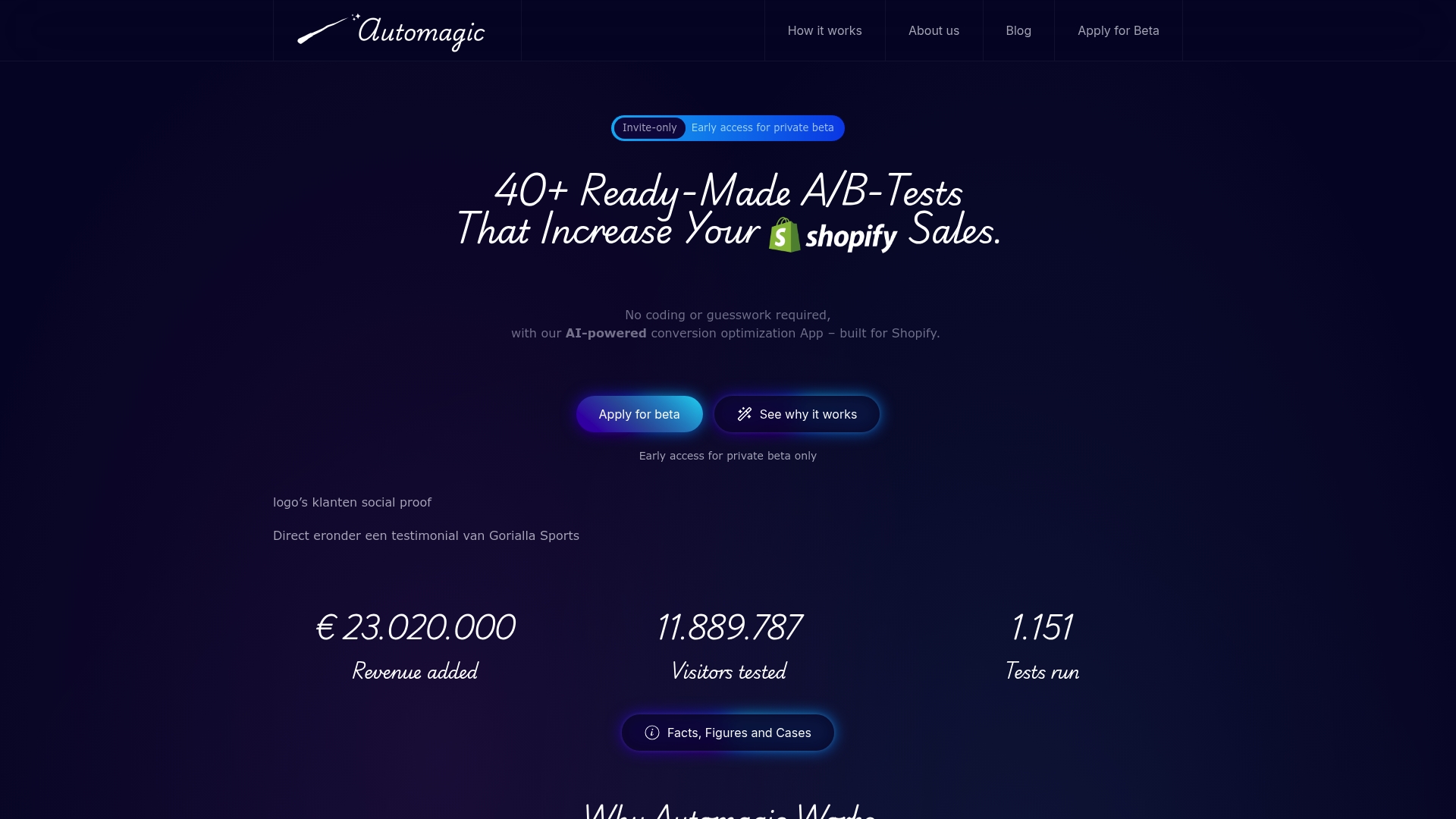
Explore how Automagic.li puts powerful UX improvements within reach. Start optimizing your store today with AI-backed A/B testing, and watch your sales soar. Get started now at Automagic.li and turn essential UX strategies into your biggest competitive advantage.
Frequently Asked Questions
What are the key elements to simplify navigation in my Shopify store?
To simplify navigation, limit your top-level menu categories to 5-7 items and use clear, descriptive labels. This will help customers find what they want quickly, potentially reducing cart abandonment by 20%.
How can I enhance product pages to increase conversions?
Enhance product pages by including high-resolution images, detailed specifications, and customer reviews. By regularly updating this information, you can improve customer trust and boost conversion rates by 15-25%.
What steps should I take to optimize the mobile experience for my Shopify store?
To optimize the mobile experience, use responsive design and ensure buttons are large and touch-friendly. Simplifying the checkout process can lead to a 30% increase in mobile conversions within just a few months.
How can I speed up the checkout process on my online store?
Minimize required form fields and offer guest checkout options to speed up the checkout process. By doing this, you can potentially reduce cart abandonment rates by 25%.
What is AI-powered A/B testing, and how can it benefit my store?
AI-powered A/B testing automates the process of testing different design variations, providing real-time insights on what works best. Implement A/B tests regularly on key elements like buttons or layouts to achieve quicker improvements in conversion rates.
How can I effectively use social proof to build trust with shoppers?
Display genuine customer testimonials, star ratings, and user-generated content prominently on your site. Regularly updating this social proof can decrease purchase hesitation and increase trust by approximately 20%.
Recommended
- 7 Essential Shopify Optimization Tips 2025 for Higher Sales – Automagic
- 7-Step Shopify Conversion Checklist for Store Growth – Automagic
- Shopify Optimization: Boosting Store Sales With AI – Automagic
- Shopify Product Page Optimization Guide for Higher Conversions – Automagic
- Improve Post-Purchase Customer Experience | Order Tracking & WISMO Reduction
- Role of Amazon Storefronts in E-Commerce Success – Searchoneers