
Shopify Analytics Explained: Complete Guide for 2025
More than 60 percent of american ecommerce entrepreneurs admit they feel overwhelmed by the sheer volume of data in their online stores. Staying ahead in this fast-changing market means unlocking the full potential of Shopify Analytics. Knowing how to gather and interpret these essential insights can make the difference between a thriving store and missed opportunities. This guide unpacks the tools and metrics that empower store owners to turn complex analytics into clear business growth strategies.
Table of Contents
- Defining Shopify Analytics And Core Concepts
- Key Metrics For Measuring Store Performance
- Types Of Shopify Analytics Reports Explained
- Setting Up And Accessing Shopify Analytics
- Common Challenges And Avoidable Mistakes
Key Takeaways
| Point | Details |
|---|---|
| Understand Key Metrics | Monitor critical metrics like Total Sales, Conversion Rate, and Average Order Value to make informed decisions that drive growth. |
| Leverage Reporting Tools | Utilize Shopify’s analytics and reporting tools to gain insights into sales performance, customer behavior, and marketing effectiveness. |
| Integrate Advanced Analytics | Consider integrating third-party analytics platforms for deeper insights and enhanced data visualization capabilities. |
| Adopt a Systematic Approach | Establish benchmarks and continuously review performance metrics to refine strategies and improve store operations. |
Defining Shopify Analytics and Core Concepts
Shopify Analytics represents a powerful data management ecosystem designed to help ecommerce entrepreneurs understand their online store’s performance through comprehensive metrics and reporting tools. At its core, Shopify Analytics transforms raw transactional data into actionable insights that enable store owners to make strategic business decisions.
The platform’s analytics dashboard offers multidimensional insights across several critical areas of business performance. Web performance tracking allows merchants to monitor visitor behavior, conversion rates, and traffic sources with precision. Store owners can dive deep into metrics like page views, bounce rates, and customer acquisition channels, providing a holistic view of their digital storefront’s effectiveness.
Key features of Shopify Analytics include robust sales performance reporting, which helps entrepreneurs understand revenue trends, product popularity, and customer purchasing patterns. Merchants can leverage these insights to optimize pricing strategies, identify high-performing product lines, and develop targeted marketing campaigns. The platform’s data visualization tools transform complex datasets into intuitive graphs and charts, making it easier for business owners to quickly comprehend their store’s performance without requiring advanced technical skills.
Ultimately, Shopify Analytics serves as a strategic partner for ecommerce entrepreneurs, providing the intelligence needed to make informed decisions. By presenting granular data about customer interactions, sales trends, and website performance, the platform empowers store owners to continuously refine their online business strategy and drive sustainable growth.
Key Metrics for Measuring Store Performance
Successful Shopify store management hinges on understanding and tracking the right performance metrics. Online store sessions provide foundational insights into customer engagement, revealing how visitors interact with your digital storefront and highlighting opportunities for optimization.
Shopify’s comprehensive analytics platform offers several critical metrics that serve as performance indicators for ecommerce success. Key performance metrics include Total Sales, Conversion Rate, Average Order Value, Online Store Sessions, and Returning Customer Rate. These metrics work together to paint a holistic picture of store performance, enabling entrepreneurs to make data-driven decisions that directly impact revenue and growth.

Merchants can dive deeper into performance analytics by examining specific metric categories. Sales metrics reveal revenue trends and product popularity, while acquisition metrics track customer sources and marketing effectiveness. Behavior metrics provide insights into user engagement, showing how customers navigate the store, which pages generate the most interest, and where potential friction points might exist in the purchasing journey.
To maximize the value of these metrics, store owners should establish baseline measurements and track changes over time. By creating benchmarks and monitoring performance trends, entrepreneurs can identify successful strategies, address potential weaknesses, and continuously refine their ecommerce approach. The goal is not just to collect data, but to transform those insights into actionable strategies that drive store growth and improve overall customer experience.
Types of Shopify Analytics Reports Explained
Shopify’s analytics ecosystem provides a comprehensive suite of reporting tools designed to give store owners granular insights into their business performance. Analytics dashboards serve as the cornerstone of this reporting infrastructure, offering merchants a strategic overview of their online store’s key performance indicators.
The platform categorizes its analytics reports into several critical dimensions that address different aspects of ecommerce performance. Sales Reports track revenue streams, product performance, and financial trends, allowing entrepreneurs to understand their monetary ecosystem. Acquisition Reports dive deep into customer origin, revealing which marketing channels drive traffic and conversions. Behavior Reports illuminate customer interactions, showing how visitors navigate the store, which pages generate the most engagement, and potential points of friction in the purchasing journey.
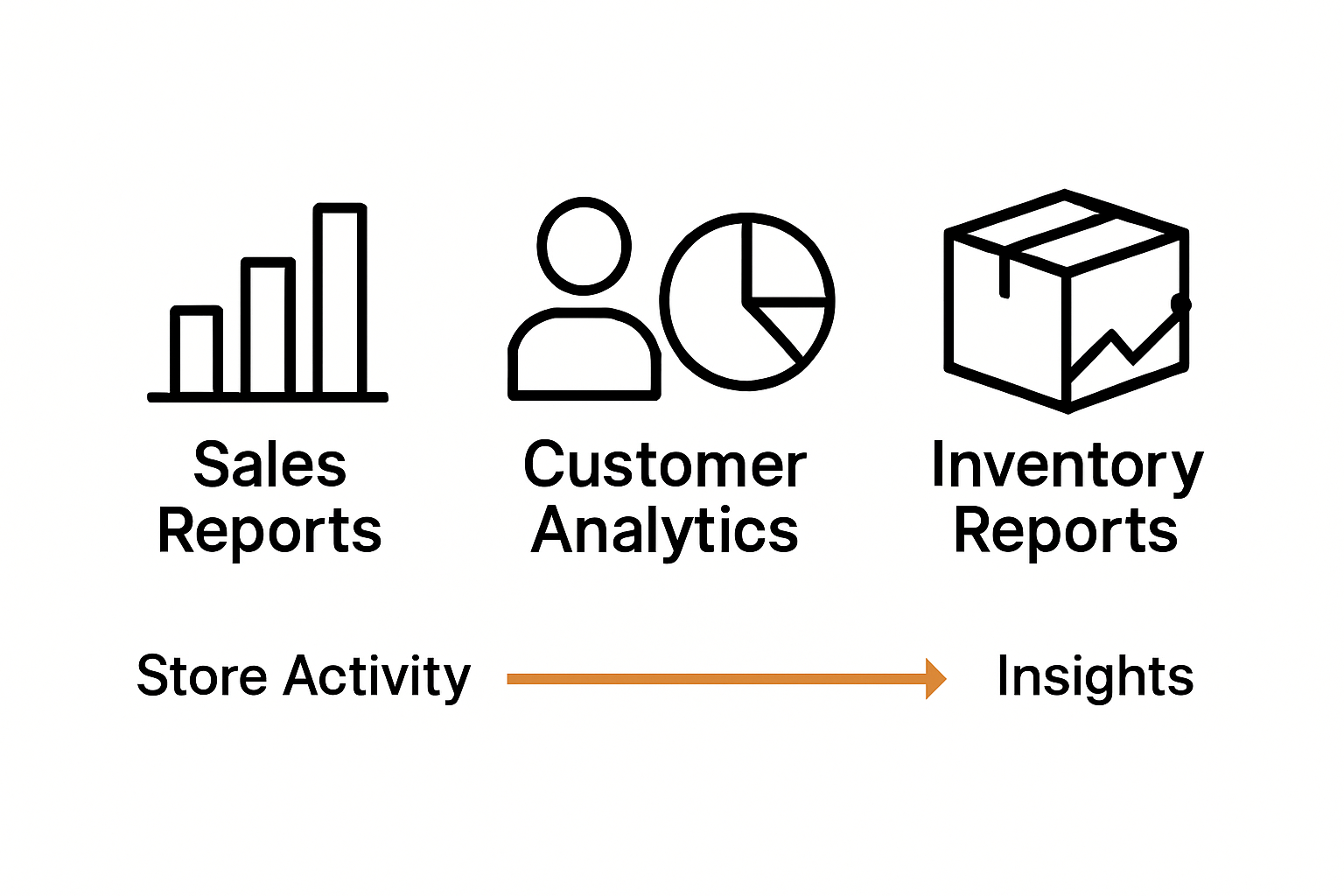
Beyond standard built-in reports, Shopify offers specialized analytics that cater to specific business needs. These include Marketing Reports that evaluate campaign performance, Inventory Reports tracking product stock levels, and Customer Reports providing insights into purchasing patterns and customer lifetime value. Each report type is meticulously designed to transform raw data into actionable intelligence, enabling store owners to make informed strategic decisions.
To maximize the utility of these reports, successful merchants approach analytics with a systematic mindset. They don’t just collect data but actively interpret trends, set benchmarks, and use insights to continuously refine their ecommerce strategy. By understanding the nuanced stories behind each metric, entrepreneurs can identify growth opportunities, optimize marketing spend, and create more personalized shopping experiences that drive long-term business success.
Setting Up and Accessing Shopify Analytics
Accessing Shopify Analytics begins with understanding the platform’s native reporting capabilities and strategic setup process. Analytics access is seamlessly integrated into the Shopify admin panel, providing store owners with immediate insights into their business performance through a user-friendly interface.
To get started, merchants must first navigate to the Reports and Analytics section within their Shopify admin dashboard. The platform offers different levels of analytics features depending on the subscription plan, with more advanced stores gaining access to more comprehensive reporting tools. Key setup steps include verifying store tracking settings, ensuring proper conversion tracking is enabled, and configuring the default reporting timeframes that align with your business analysis needs.
For merchants seeking more advanced tracking capabilities, integrating third-party analytics platforms can provide deeper insights. These supplementary tools, such as Google Analytics 4, can be easily connected to your Shopify store to unlock additional data visualization and tracking features. The integration process typically involves adding a tracking code or using Shopify’s built-in connection tools, allowing store owners to create a more comprehensive view of their ecommerce performance beyond the native reporting system.
Successful analytics implementation requires a strategic approach. Store owners should focus on establishing baseline metrics, setting up custom reports that matter most to their business, and developing a consistent routine for reviewing and interpreting data. By treating analytics as an ongoing process of discovery and optimization, entrepreneurs can transform raw numbers into actionable strategies that drive meaningful business growth and improve overall store performance.
Common Challenges and Avoidable Mistakes
Shopify store owners frequently encounter analytics challenges that can significantly impact their business performance and decision-making capabilities. Tracking limitations in native analytics platforms often prevent merchants from gaining comprehensive insights into customer behavior and website interactions.
The most prevalent analytics mistakes involve misinterpreting data, relying solely on surface-level metrics, and failing to establish clear performance benchmarks. Many entrepreneurs make the critical error of focusing exclusively on total sales without diving deeper into conversion rates, customer acquisition costs, and individual channel performance. This narrow perspective can lead to misguided strategies that fail to address underlying business challenges or capitalize on emerging opportunities.
Specific technical challenges can undermine analytics effectiveness. These include incomplete conversion tracking, improper goal setting, and inadequate integration of third-party analytics tools. Store owners often struggle with complex data interpretation, leading to missed insights about customer behavior, website friction points, and potential optimization opportunities. The key is to develop a holistic approach that combines quantitative metrics with qualitative understanding of customer journeys.
To overcome these challenges, successful merchants adopt a proactive and systematic approach to analytics. This involves continuously educating themselves about advanced tracking techniques, investing in complementary analytics tools, and developing a critical mindset that questions and validates data interpretations. By treating analytics as a dynamic, ongoing process of discovery and optimization, entrepreneurs can transform potential obstacles into strategic advantages that drive meaningful business growth.
Unlock Your Shopify Store’s True Potential with AI-Driven A/B Testing
If you have explored Shopify Analytics to understand your store’s performance, you know the challenge of turning raw data into actionable growth strategies. Key metrics like conversion rates, average order value, and customer behavior insights are crucial but often hard to optimize without technical expertise or time. Automagic.li solves this problem by offering an easy-to-use SaaS platform that empowers Shopify store owners to boost conversion rates through AI-powered A/B testing. It eliminates the frustration of complicated setups and coding so you can focus on meaningful improvements based on solid data.
Ready to go beyond just tracking metrics and start improving them? Visit Automagic.li now to explore a rich library of over 40 pre-tested, high-impact test variations tailored for Shopify stores. Our AI adjusts each test to fit your unique store design and automates deployment to save you time and money. Don’t wait to turn your Shopify Analytics into real revenue gains. Take control of your ecommerce success with Automagic.li, your partner for effortless conversion optimization today.
Frequently Asked Questions
What is Shopify Analytics?
Shopify Analytics is a data management system that provides ecommerce entrepreneurs with insights into their online store’s performance through various metrics and reporting tools.
What key metrics should I track in Shopify Analytics?
Important metrics to track include Total Sales, Conversion Rate, Average Order Value, Online Store Sessions, and Returning Customer Rate, which collectively provide a holistic view of your store’s performance.
How do I access Shopify Analytics?
You can access Shopify Analytics through the Reports and Analytics section in your Shopify admin dashboard. Features may vary based on your subscription plan.
What are common challenges when using Shopify Analytics?
Common challenges include misinterpreting data, focusing only on surface-level metrics like total sales, and facing tracking limitations. Successful merchants address these by employing a systematic approach to analytics.